Section: CS 2
 1411
1411
In Counter-Strike 2 (CS2), the console commands +turnleft (left) and +turnright (right) control continuous camera rotation, while -turnleft and -turnright stop the spin. The legacy +left and +right commands from CS:GO no longer spin your character model; on the Source 2 engine, they exclusively handle lateral movement (strafing). Meanwhile, third-party spinbot software is not a console feature, but an illicit hitbox manipulation that server-side anti-cheat tracks in real time to issue immediate bans.
To spin in CS2 without any risk of a ban, all you need is the standard developer console. Valve's engineers decoupled character movement from camera rotation in CS2. As developers of private gaming software at , we regularly analyze netcode mechanics while building products for our . In our testing, direct horizontal axis (Yaw) rotation executed through the console does not conflict with the game client and is 100% legal across all game modes.
Binding the command simply via bind "f11" "+turnleft" will only spin your view while holding the key down—releasing the key stops the rotation. To keep your character spinning continuously with a single keystroke, use a straightforward alias setup: alias "spin_on" "+turnleft"; alias "spin_off" "-turnleft"; bind "f11" "spin_on"; bind "f12" "spin_off". If you do not want to set up permanent binds and only need to spin once, enter +turnleft into the console, and type -turnleft to stop.
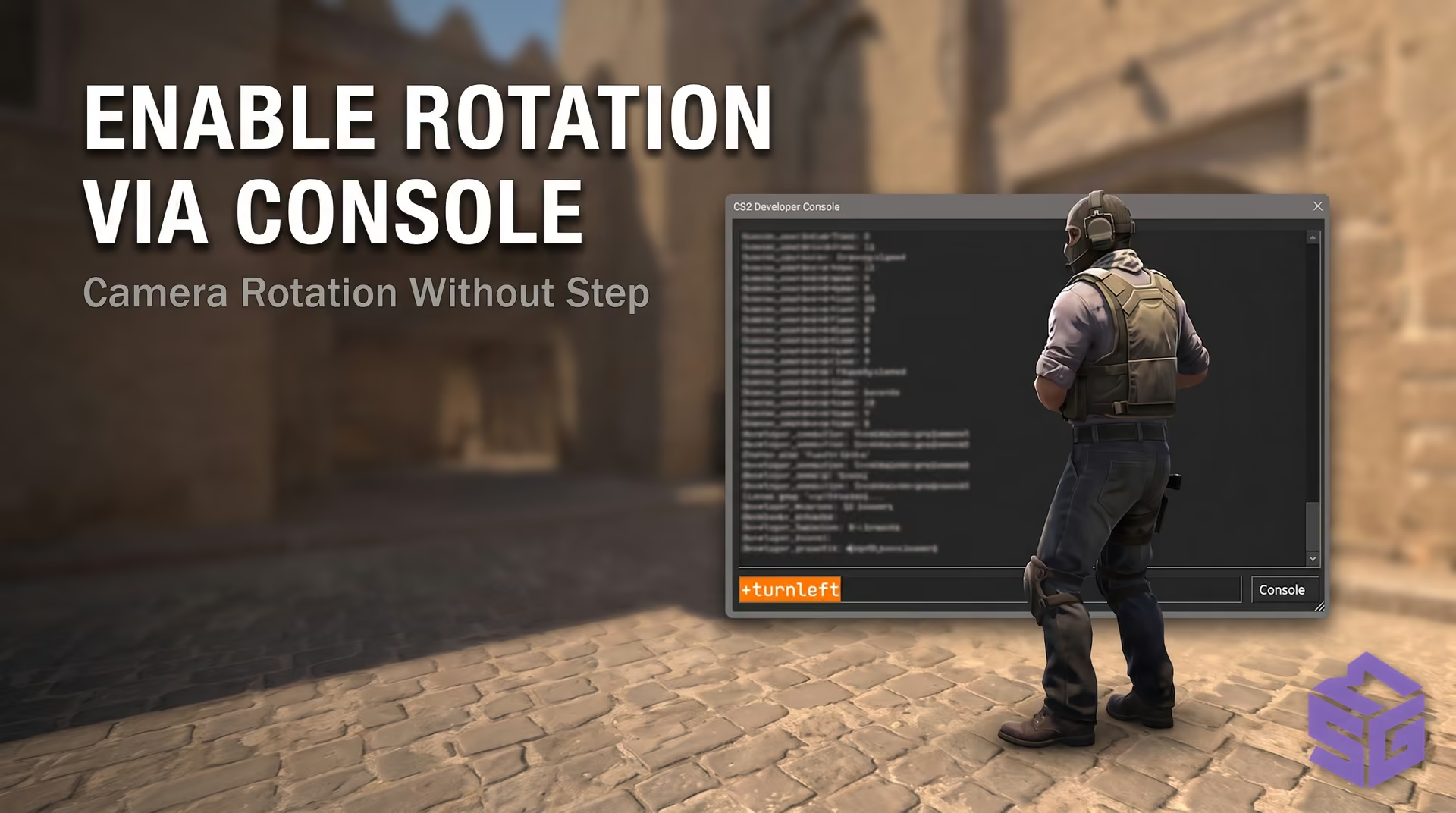
The CS2 developer console open with the +turnleft command entered, showing the character spinning in place.
CS2 View Angle and Movement Command Specifications
| Action / Mechanic | CS2 Command | CS:GO Status (Legacy) | Valve Server Status |
|---|---|---|---|
| Rotate camera left | +turnleft | +left | Officially Allowed (Fully Safe) |
| Rotate camera right | +turnright | +right | Officially Allowed (Fully Safe) |
Migrating the engine to Source 2 brought fundamental changes to CS2's input handling. Much of the confusion comes from legacy CS:GO mechanics, where a single command could govern both movement and camera rotation. In CS2, Valve cleanly separated these systems: the sub-tick engine processes player velocity and view angles on distinct execution paths, rendering old console tricks obsolete.
In CS:GO, the +left command rotated the player's camera to the left. The CS2 netcode remapped its function entirely: +left now acts as a standard lateral strafe, replacing the legacy +moveleft command. Entering +left in the CS2 console will not spin your crosshair; your character simply strafes left, bumps into the nearest wall, and stops.
Valve introduced dedicated commands for camera rotation: +turnleft and +turnright. These adjust only view angles (EyeAngles) and do not modify player velocity. This redesign fixed longstanding Source 1 bugs where executing simultaneous turns and strafes caused unintended speed acceleration.
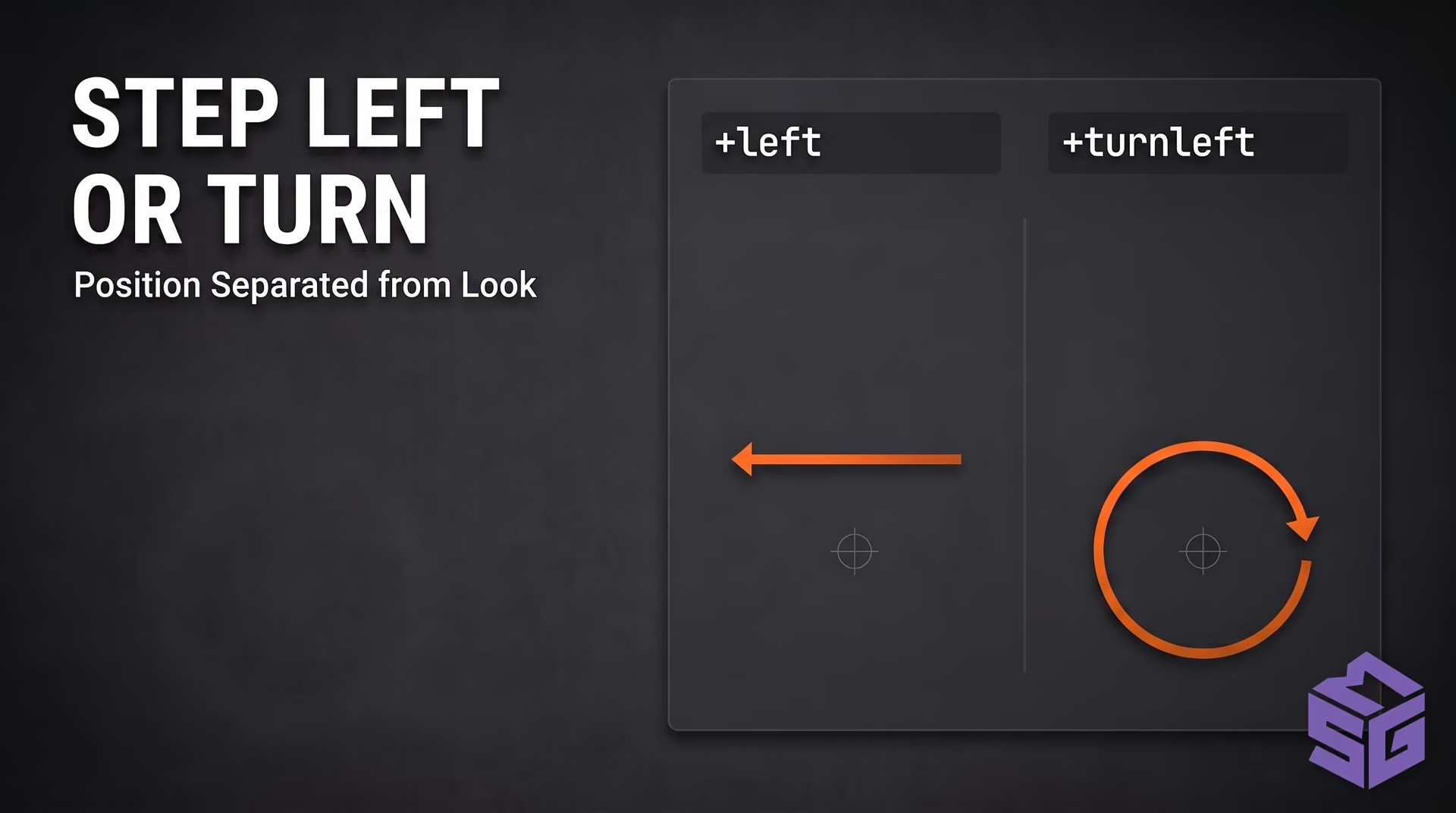
Source 2 input breakdown: the operational difference between a lateral strafe vector (+left) and an isolated view rotation vector via EyeAngles (+turnleft).
Older guides frequently recommend accelerating console spins with cl_yawspeed 1000. In CS2, this command is gone. Even on a local server with sv_cheats 1 enabled, typing it into the console returns "Unknown command." The variable was scrubbed from the game binaries entirely.
As a result, you cannot adjust the console rotation speed—it is hardcoded at 210 degrees per second. Speeding up or slowing down this continuous spin through standard console commands is impossible. The turn rate is locked to Valve's competitive match parameters, and the only way to alter turning speed dynamically is through mouse sensitivity scaling.
Standard console spinning is ineffective in live matches because the rotation speed is far too slow. If you play on low sensitivity and need to check your flank immediately, dynamic sensitivity scaling via m_yaw (horizontal sensitivity multiplier) provides an efficient solution. This setup is 100% legal, does not touch game memory, and relies entirely on standard console aliases.
By default, CS2 sets the horizontal axis multiplier to 0.022. Temporarily scaling this value to 0.1 allows a slight mouse swipe to snap your crosshair 180 degrees. The bind must revert to default upon releasing the key; otherwise, your horizontal aim will be uncontrollable in the next firefight.
Players using stretched 4:3 resolutions require different values. Because stretched aspect ratios alter horizontal perception, players typically lower their baseline multiplier to 0.0165 (0.022 × 3/4 = 0.0165). Use the hold-to-activate configurations below:
Option 1: For 16:9 Displays (Baseline Multiplier: 0.022)
// Quick 180-degree turn bound to V for 16:9 aspect ratio
alias "+spin180" "m_yaw 0.1"
alias "-spin180" "m_yaw 0.022"
bind "v" "+spin180"Option 2: For Stretched 4:3 Displays (Baseline Multiplier: 0.0165)
// Quick 180-degree turn bound to side button Mouse4 for 4:3 aspect ratio
alias "+spin180" "m_yaw 0.08"
alias "-spin180" "m_yaw 0.0165"
bind "mouse4" "+spin180"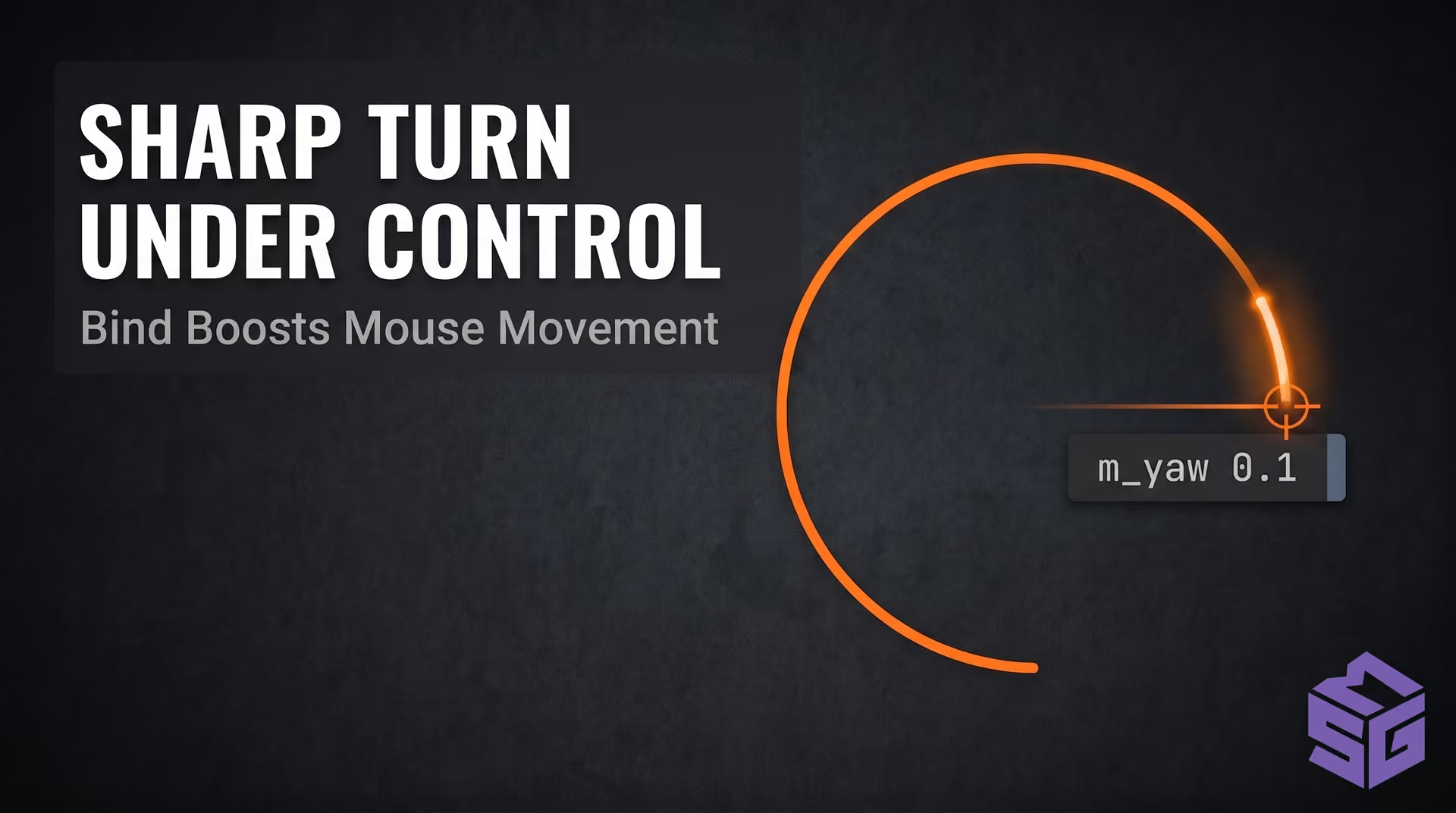
Crosshair trajectory illustration: instant 180° flick achieved by holding a dedicated hotkey with dynamic m_yaw switching.
Important note: Avoid extreme values like m_yaw 9999 or anything above 0.2. Over-scaling will cause sensor spinouts, send your screen into a chaotic spiral, and ruin your aim precision.
Stepping away from your PC during long matches or while farming weekly case drops often risks an automatic idle kick. Many players assume running a continuous camera spin is enough to show activity. However, CS2's built-in idle detection uses a more sophisticated tracking mechanism.
Valve's server-side Idle Tracker monitors world-space movement rather than crosshair adjustments. The server tracks coordinate updates and displacement vectors (Velocity X/Y). If you spin your camera continuously while your hitbox coordinates remain static, the server flags your client as inactive.
In competitive modes, the game automatically drops the C4 from an inactive carrier after 15–20 seconds, and the server disconnects the player after 180 seconds of inactivity. Simply rotating in place will not bypass the idle timer; the server will still remove you from the match.
Bypassing the idle tracker requires actual character displacement across the map. Pairing forward movement with continuous rotation causes your character to run in tight circles, generating uninterrupted positional velocity. You can bind this script to convenient hotkeys:
// Circle run script for community dedicated servers
alias "afk_start" "+forward; +turnleft"
alias "afk_stop" "-forward; -turnleft"
bind "f9" "afk_start"
bind "f10" "afk_stop"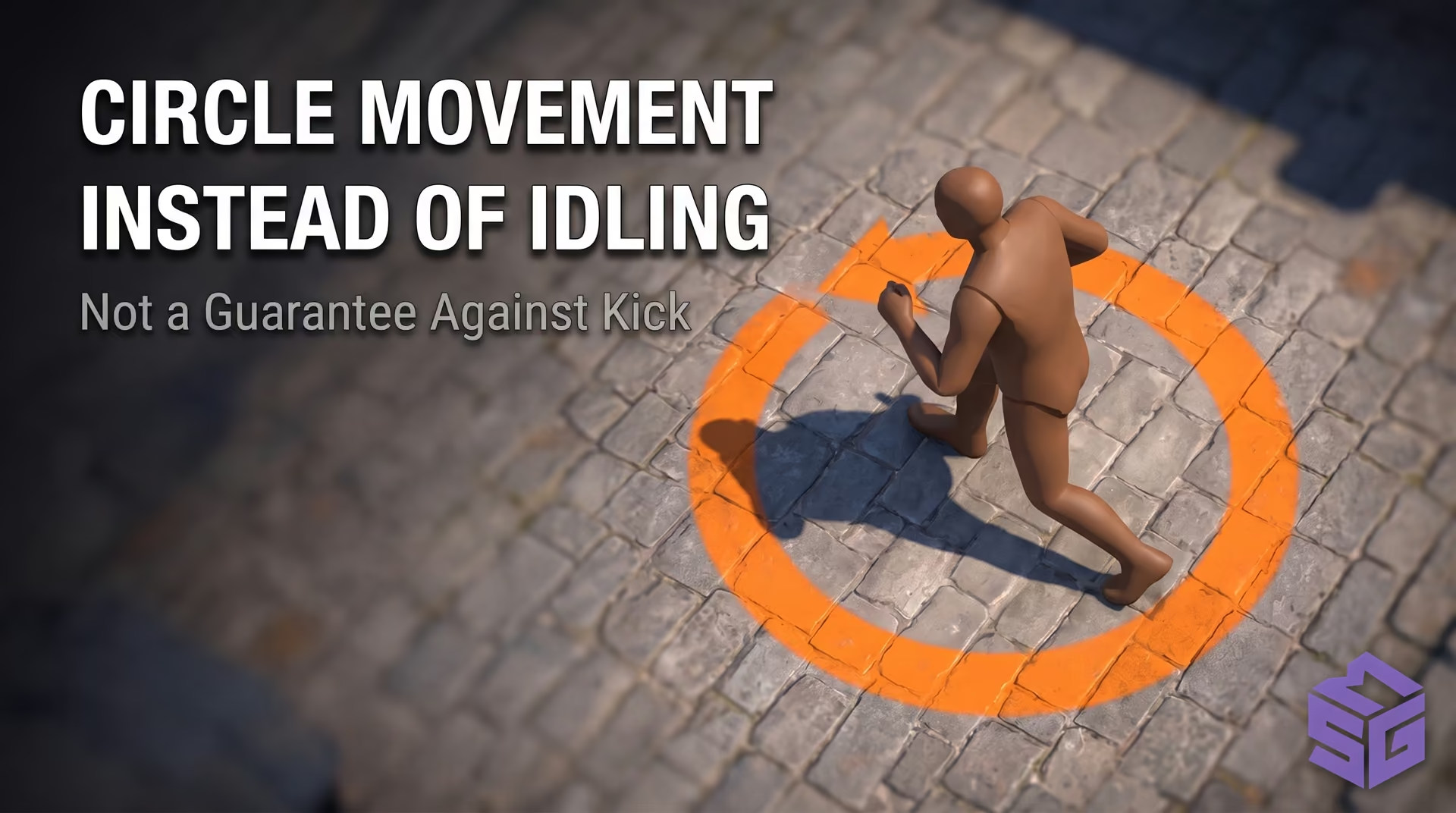
Top-down view of the play area: circular movement path generated by combining forward movement with camera rotation to bypass the idle tracker.
Trust Factor warning: Never run this script in Competitive or Premier matchmaking. Teammates will immediately spot your AFK behavior and vote-kick you for griefing. Accumulating griefing reports will drop your Trust Factor into the red zone and trigger temporary matchmaking cooldowns.
Players often confuse standard console spinning with a cheat spinbot. A spinbot operates on an entirely different level: it is third-party software executing Anti-Aim routines. The software intercepts outgoing user command packets (usercmd) and overwrites view angles right before sending them to the game server.
In cheat software, spinning is not cosmetic. Its primary objective is disrupting opponent aimbots during . The software forces the player model's head directly downward (Pitch +89°) while rapidly rotating the model along the horizontal axis (Yaw).
This manipulation conceals head and neck hitboxes inside the torso geometry. Rival aimbots struggle to resolve target coordinates, resulting in missed shots or low-damage limb impacts. However, these unnatural offsets violate skeletal animation physics, making them trivial for server-side heuristics to detect.
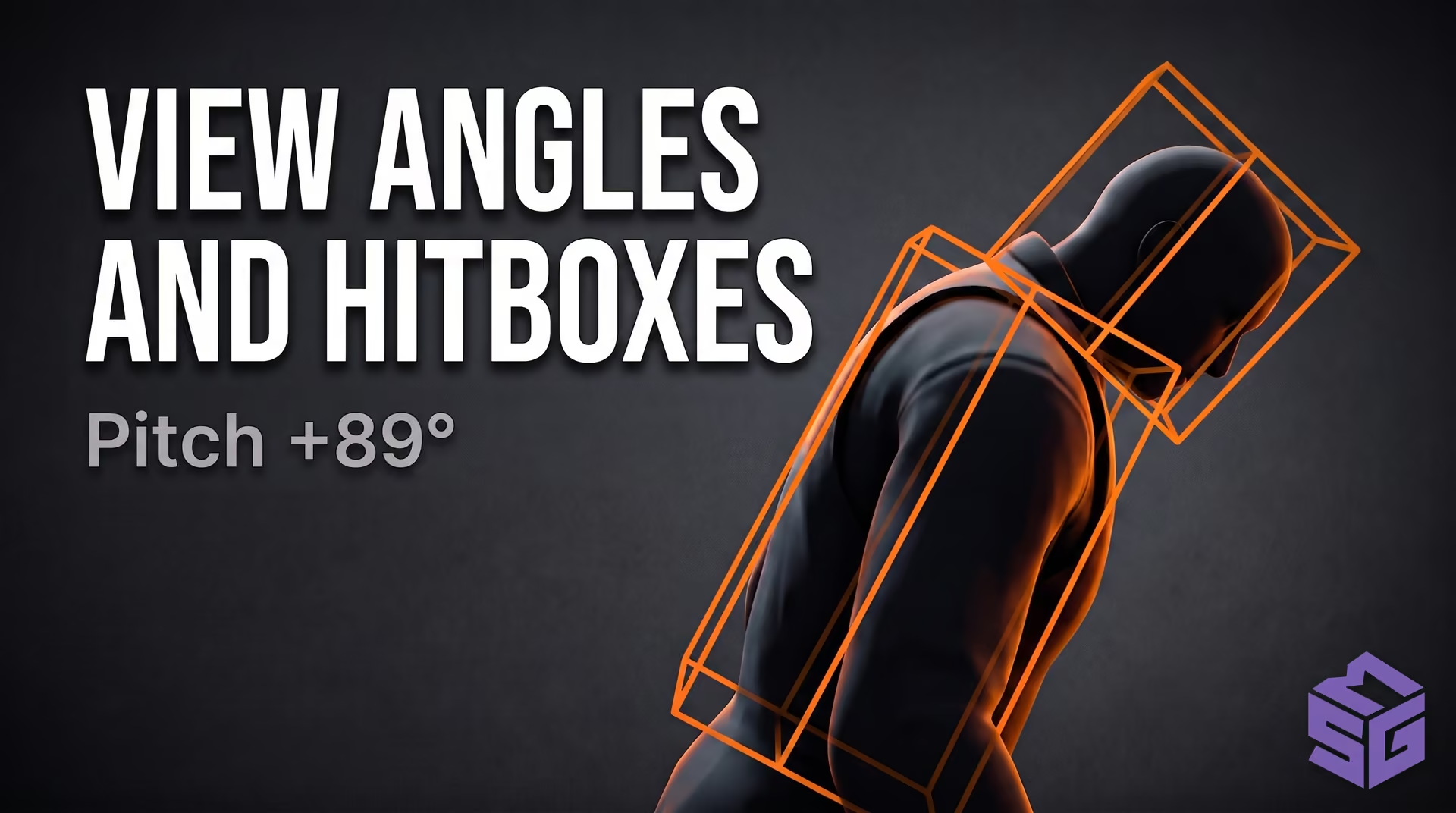
3D wireframe visualization of player hitboxes: head angled directly into the floor (Pitch +89°) with an artificially displaced body frame to break enemy aimbots.
Valve's anti-cheat inspects more than active Windows processes; it analyzes real-time server movement telemetry. VAC Live uses machine learning models to assess rotation smoothness and acceleration curves. A human player using an optical mouse cannot snap 180 degrees instantaneously in sub-millisecond windows without physical inertia.
When the system flags impossible angular velocity or out-of-bounds view angles, it triggers an Untrusted Angle violation. Valve no longer delays actions for weekly ban waves: matches are immediately aborted with the message "Match cancelled by VAC Live," and the offending account receives a temporary cooldown (ranging from 1 to 181 days) alongside trade locks on inventory items. If your account receives an Overwatch ban displaying "Global Cooldown; Convicted by Overwatch - Majorly Disruptive," we recommend executing a full hardware clean using a verified before setting up a replacement profile.
The native command for continuous leftward rotation is +turnleft, and for rightward rotation is +turnright. To stop spinning, enter -turnleft or -turnright. These commands are officially permitted by Valve, making them completely safe and ban-free.
In Source 2, Valve decoupled movement inputs from camera rotation. The +left command now controls lateral strafing, replacing the legacy +moveleft command. To rotate your view, you must use the dedicated +turnleft command instead.
No, cl_yawspeed was completely removed from the CS2 binaries. Even with sv_cheats 1 enabled on a private local server, the console returns "Unknown command." You can no longer adjust rotation speed through console variables in matchmaking or custom lobbies.
To snap 180 degrees instantly, create a bind that temporarily scales your horizontal mouse sensitivity: alias "+spin180" "m_yaw 0.1"; alias "-spin180" "m_yaw 0.022"; bind "v" "+spin180". While holding down the key, your horizontal sensitivity spikes, allowing you to execute a clean 180° turn with a slight swipe.
The console commands +turnleft and +turnright remain an entirely legitimate, safe method for managing camera rotation in Counter-Strike 2. For instant 180-degree turns, dynamic m_yaw aliases saved in autoexec.cfg provide reliable execution, while circular movement paths successfully prevent AFK disconnects on dedicated community servers.
Using a third-party Rage Spinbot (Anti-Aim) in 2026 triggers immediate flags from VAC Live server heuristics, leading to irreversible account penalties. If you are seeking consistent tactical utility without detection risks, explore vetted legit configurations from the on SMGCHEATS.
| Strafe left | +left | +moveleft | Officially Allowed |
| Rotation speed adjustment | Completely removed | cl_yawspeed | Removed from client (Unknown command even with sv_cheats 1) |
| Rage Spinbot (Anti-Aim) | Third-party software | Third-party software | Instant VAC Live detection and temporary cooldown |
Input Processing Pipeline: Source 1 vs. Source 2
| Parameter | CS:GO (Source 1) | CS2 (Source 2) | In-Game Behavior |
|---|---|---|---|
| Strafe Left | +moveleft | +left | Character strafes left; crosshair remains fixed |
| Strafe Right | +moveright | +right | Character strafes right; crosshair remains fixed |
| Turn Speed | cl_yawspeed (adjustable) | Completely removed from client | Fixed rate of 210°/s; Unknown command even with sv_cheats 1 |
| Tick Synchronization | 64 / 128 Tickrate | Sub-tick architecture | Movement and crosshair updates register with discrete timestamps |
| View Angle Pipeline | Coupled with movement physics | Isolated EyeAngles vector | Camera rotation does not impact character acceleration or velocity |
Once your bind is configured, add it to your autoexec file. Aliases created directly in the console clear when the game closes. To ensure your binds load automatically every time you launch the game, set up an autoexec:
Third-party tools vary significantly in design. While legitimate binds operate strictly through native console commands, unvetted cheat programs introduce serious security vulnerabilities to your system.
Free builds downloaded from questionable forums frequently bundle info-stealers such as Lumma or RedLine. Upon process injection, these payloads harvest browser cookies, Steam session tokens, and cryptocurrency wallet keys. If you are exploring third-party software, review our comprehensive guide on the to understand secure alternatives—such as private software from , engineered specifically for system integrity and discreet, legit playstyles.
Comparative Audit: CS2 Cheat Architectures and Risk Profiles
| Solution Type | Architecture / Mechanism | Detection Vector (VAC / VAC Live) |
|---|---|---|
| Console Binds (Legitimate) | Standard input mapping via autoexec.cfg | Safe. Standard binds are completely legitimate. However, automation scripts (Snap Tap / SOCD) now trigger an immediate match kick from Valve servers. |
| External Software (Standalone .exe) | Out-of-process game memory read operations | Medium Risk. Client-side anti-cheat can detect the background process, while server-side VAC Live flags unnaturally snapping aim curves. |
| Internal Software (DLL Injection) | Direct code injection into cs2.exe memory space | High Risk. Easiest vector for anti-cheat signatures to identify: foreign code in memory space leaves extensive traces. |
| (Hardware PCIe Card) | Memory reading via a secondary PC and PCIe card | Minimal Risk. Completely invisible to client-side anti-cheat on the primary PC. Detection is only possible via VAC Live heuristics if aimbot parameters are tuned too aggressively. |
No, spinning your camera in place with +turnleft will not prevent an idle kick. The server-side Idle Tracker monitors actual hitbox displacement across map coordinates. If your character coordinates do not change over a 180-second period, the server automatically disconnects you.
A spinbot is an aggressive Anti-Aim feature used in rage cheats: it snaps the player's head toward the ground and rapidly spins hitboxes horizontally to desync incoming enemy aimbots. Playing with a spinbot without catching a ban is impossible; VAC Live flags impossible angular velocities in real time and immediately cancels the match.