


Stage 1#
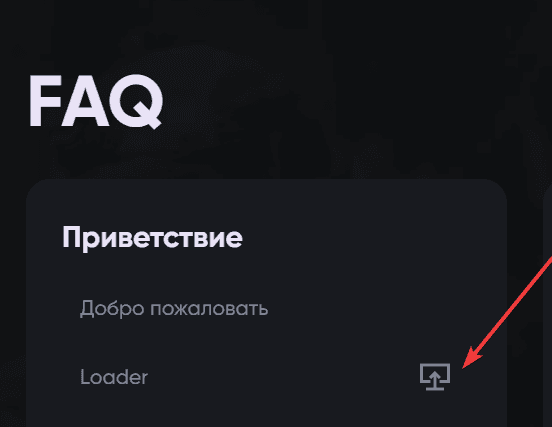
Download the loader from the link on the left side of the menu.
Stage 2#
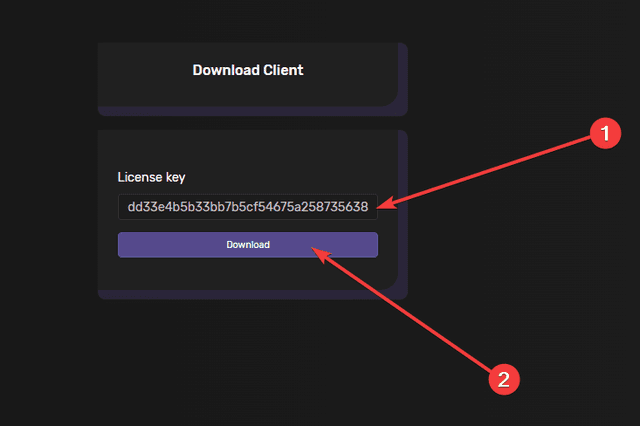
Run the downloaded loader. It always starts itself as administrator.
Stage 3#
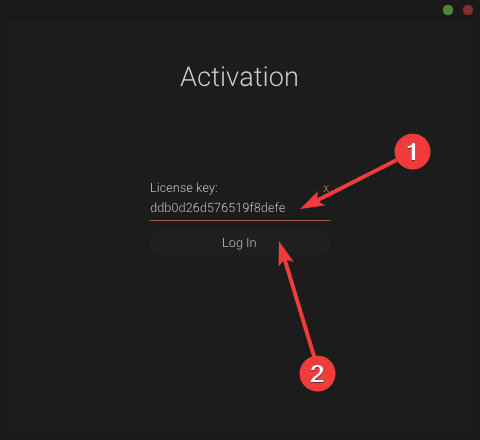
Paste your key and click "Log In".
Stage 4#
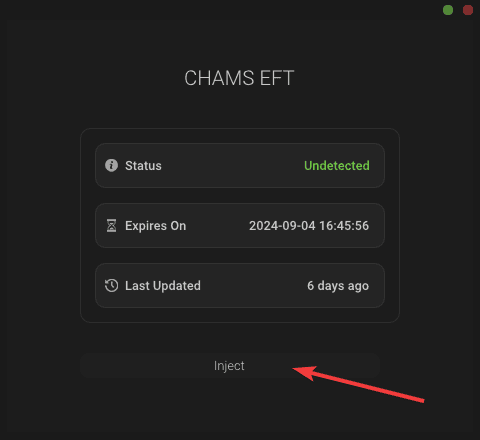
Wait for the download to finish and click the "Inject" button.
Stage 5#
Wait for the load to succeed. With Chams you will simply be asked to log into the game and press F2. For the other products, the instructions are below.
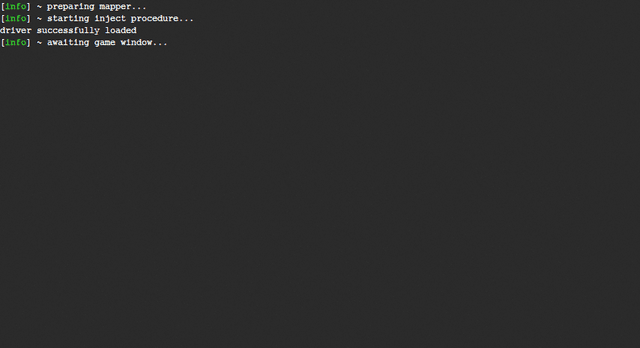
Built-in spoofer#
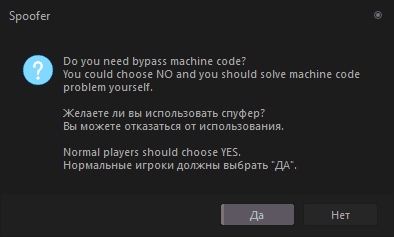
Some of our products have a built-in spoofer: during startup you will be prompted to activate it.
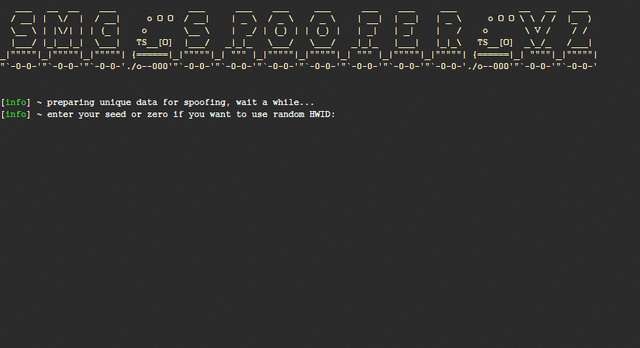
Next you will be asked to enter a seed key for the spoofer. If you save your seed key, the spoofer will produce the same serial numbers every time. If you do not have one, or you want a randomly generated HWID, enter 0 and press Enter.
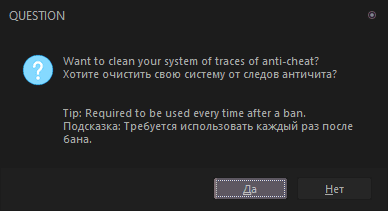
You will then be prompted to clean the system of anti-cheat traces.
Do this every time you run the spoofer, and after receiving a ban.
After a successful spoof and clean, the serial numbers appear in the spoofer console. To check whether they changed, use the HWID Checker from the "Quick start" section.
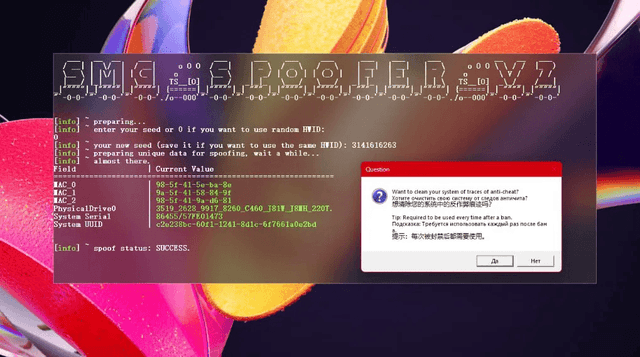
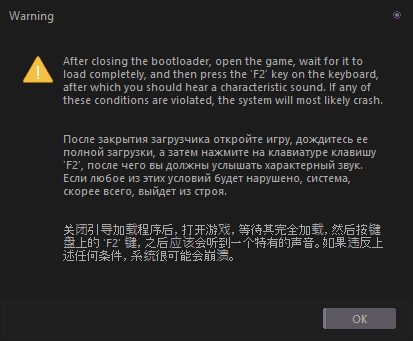
The product will then carry on starting up. Wait until you see this window.
Stage 6#
Once it has started, open the game, wait for it to load completely and press F2. Congratulations, you have successfully launched our product!
