Раздел: Rust
 9895
9895
Получение ошибки при входе в игру означает один из трех сценариев: глобальный бан античитом Easy Anti-Cheat (Game Ban в Steam), аппаратная блокировка по железу (HWID) или локальное ограничение администрацией конкретного сервера. В Rust (в СНГ также известен как Раст) не используется Valve Anti-Cheat (VAC), поэтому обращение в поддержку Steam не даст результатов. По данным тестов команды магазина приватного софта SMGCHEATS, снять глобальный бан можно только через официальную апелляцию при доказанном сбое, а спасти новый аккаунт от цепной блокировки — только через изоляцию аппаратных идентификаторов.
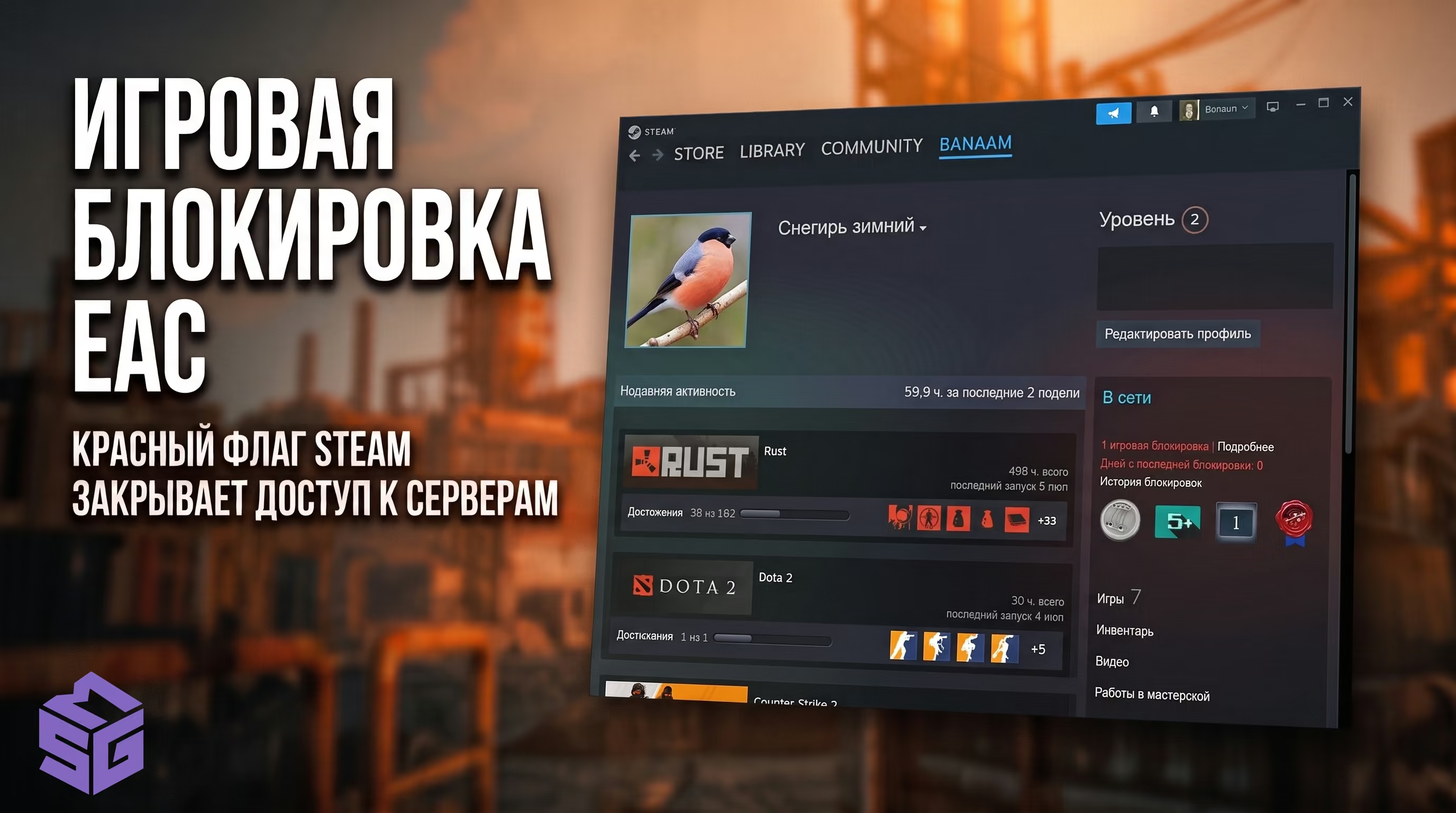
Когда вы видите красный текст об отключении, важно сразу понять масштаб проблемы. Таблица быстрой самодиагностики ниже поможет вам определить, какой именно бан дали в Расте в вашей ситуации.
| Сообщение в клиенте / Статус | Где отображается | Масштаб блокировки | Возможность снятия | Что делать |
|---|---|---|---|---|
| EAC: Game Banned / Banned | Консоль F1 / Профиль Steam | Все защищенные серверы | Только при ошибке EAC (1–3%) | Подать апелляцию на easy.ac |
| Server Banned / You are banned | Экран загрузки сервера | Только данный сервер/проект | По решению администрации | Писать в Discord сервера |
| EAC: Disconnected / Timed Out | Главное меню игры | Сетевая ошибка клиента | Не является баном | Проверить целостность файлов / сеть |
| Цепной бан на новом аккаунте (Chain Ban) | Профиль Steam (спустя 15–60 мин) | Аппаратный бан ПК (HWID) | Не снимается разработчиками | или замена SSD/платы |
Многие игроки ошибочно ищут информацию про "забанили VAC", но это фундаментальная ошибка. Facepunch использует защиту от Epic Games — Easy Anti-Cheat (EAC), а также серверную эвристику Cerberus. Разграничение полномочий здесь критически важно.
Easy Anti-Cheat функционирует на уровне ядра Windows (Ring 0). Если он детектирует сигнатуру стороннего процесса, модификацию памяти или аномальные инжекты, он отправляет флаг на серверы Facepunch. Далее через Steamworks API в ваш профиль прилетает Игровая блокировка (Game Ban).
Этот статус накладывает пожизненный запрет на обмен и продажу скинов (выдаётся трейд бан в Расте). Ваш инвентарь замораживается навсегда. Обращаться в Steam Support бесполезно — они ответят шаблонным письмом, так как не имеют полномочий снимать игровые баны разработчиков.
Если в консоли или на экране загрузки висит "Server Banned", это локальная изоляция. Вас заблокировал администратор модового или комьюнити-сервера (например, Magic Rust или Rustafied). Запись о вас попадает в серверный конфигурационный файл bans.cfg. Это не лишает вас лицензии — вы можете свободно играть на других независимых проектах.
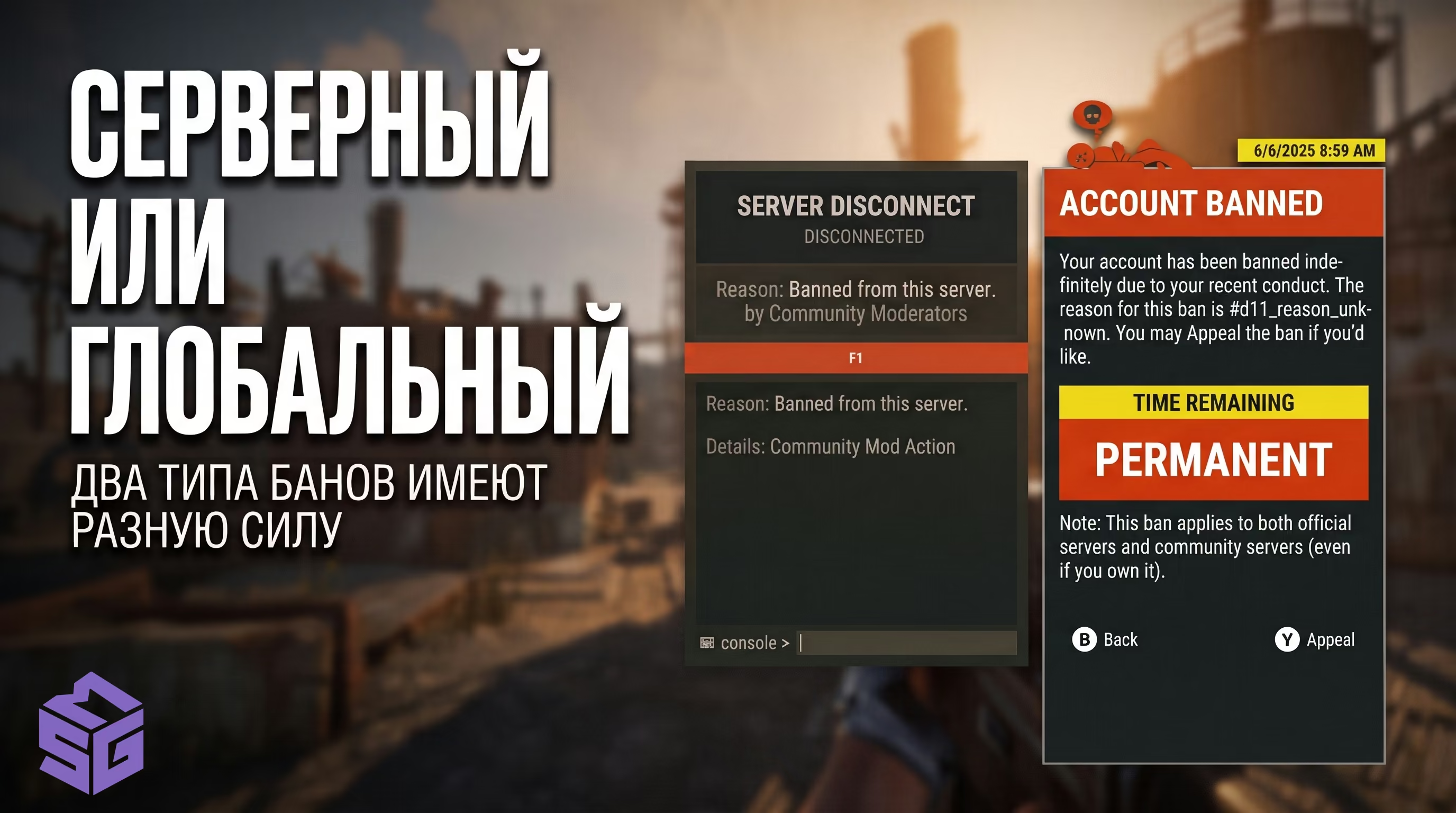
Снять глобальный EAC бан можно исключительно при доказанном ложном срабатывании (False Positive). В 2026 году процент таких отмен крайне мал, но они случаются при конфликтах с драйверами графических планшетов, софтом для RGB-подсветки (например, OpenRGB) или редкими оверлеями.
Шаблон доказательной апелляции:
Subject: Rust False Positive EAC Ban Appeal - SteamID64: [ВАШ_STEAMID64]Hello Easy Anti-Cheat Technical Support Team,
My Steam account (SteamID64: [ВСТАВИТЬ_STEAMID64], Profile URL: [ССЫЛКА_НА_ПРОФИЛЬ]) recently received an EAC Game Ban in Rust.
I respectfully request a manual review of this detection. I have never utilized any third-party software, memory injectors, recoil scripts, or automated tools to gain an unfair advantage.System Environment Details during the session:
- OS Build: Windows 11 Pro (23H2 / x64)
- Antivirus / Security: Windows Defender
- Background Utilities: Discord Overlay, NVIDIA GeForce Experience, OpenRGB
- EAC Error Token / Reference ID: [ВСТАВИТЬ_REFERENCE_ID]
I am ready to provide complete process dump logs and system diagnostics upon request. Thank you for your objective investigation.
Согласно логам поддержки Facepunch, 99% сообщений в духе "меня взломали" или "играл младший брат" игнорируются автоматически. Студия придерживается политики Zero Tolerance: безопасность аккаунта — это проблема владельца. Если во время несанкционированного доступа на аккаунте запускался софт, блокировка останется перманентной.
Помимо очевидного использования приватного/бесплатного софта или инжекторов, есть неочевидные векторы детекта, из-за которых игроки теряют аккаунты.
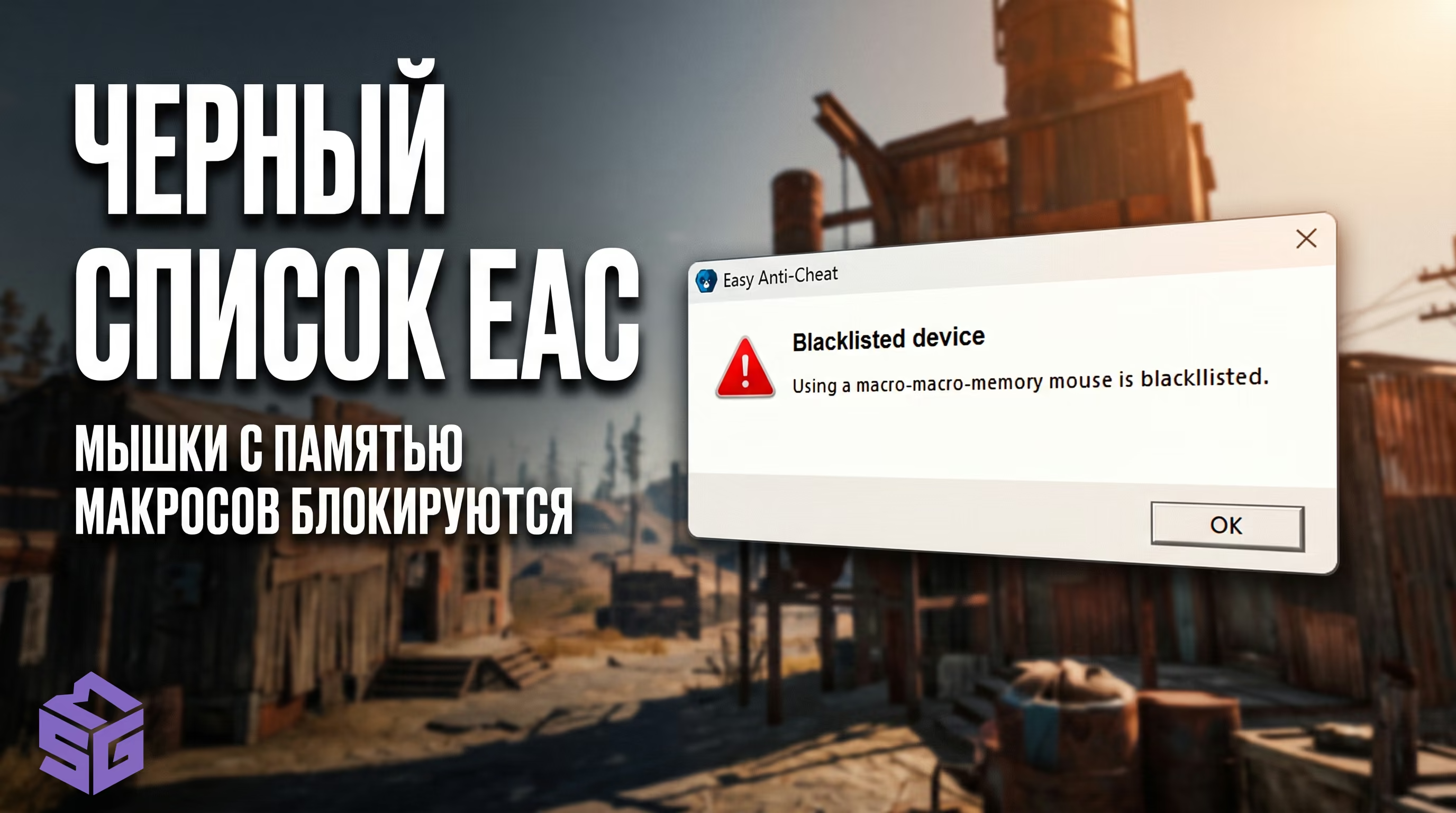
Устройства с чипами макросной памяти (Core 3/4) занесены EAC в аппаратный черный список. Игра просто не запустится, выдав ошибку "EAC: Blacklisted device". Если вы попытаетесь использовать виртуальные драйверы или эмуляторы для того, чтобы сделать обход блокировки мышек в Расте, античит расценит это как попытку инжекта и выдаст Game Ban.
Серверный античит Cerberus анализирует репорты через F7 и социальные графы команд. Если в вашем клане есть игрок с софтом, и вы вместе рейдите базы, лутаете ящики и делите ресурсы — вы получите Association Ban. Facepunch банит всю команду без права на апелляцию за "содействие и получение нечестного преимущества".
Самый частый вопрос на форумах — есть ли бан по железу в Раст? Да, и это главная проблема для тех, кто хочет вернуться в игру. Если вы получили игровую блокировку за софт, драйвер EasyAntiCheat.sys заносит вашу систему в черный список.
Античит собирает Hardware Fingerprint (отпечаток вашего железа, его идентификаторы), обращаясь к контроллерам на уровне ядра. Вот как это выглядит в архитектуре 2026 года:
+-------------------------------------------------------------------------+
|                    АРХИТЕКТУРА СБОРА HWID АНТИЧИТОМ EAC                   |
+-------------------------------------------------------------------------+
|  [Kernel Driver: EasyAntiCheat.sys]                                     |
|    ├── 1. Storage: IOCTL_STORAGE_QUERY_PROPERTY (Серийники NVMe/SSD)    |
|    ├── 2. SMBIOS / DMI Tables: Type 1 (UUID), Type 2 (Board Serial)     |
|    ├── 3. Network Interface Card: Физический MAC-адрес чипа             |
|    ├── 4. Display Adapter & EDID: Серийный номер монитора и UUID GPU    |
|    └── 5. Windows Identity: MachineGuid, Cryptography MachineId         |
+-------------------------------------------------------------------------+Любой новый Steam-аккаунт, запущенный на этом ПК, получит бан по цепочке (Chain Ban) спустя 15–60 минут геймплея. Защита сверяет физические дескрипторы.
Архитектурная деталь: идентификаторы GPU и EDID монитора собираются античитом в качестве сопутствующей телеметрии. Базовый аппаратный блэклист в Rust привязан строго к связке накопителей (Storage), материнской платы (SMBIOS) и сетевого адаптера (NIC). Совпадение исключительно по монитору или видеокарте изолированного бана не вызывает, поэтому менять дисплей или графический процессор не требуется.
В сети полно устаревших гайдов про обход бана в Rust, которые в современных реалиях приводят только к потере новых купленных аккаунтов.
| Метод из старых гайдов | Что делает на самом деле | Видит ли античит EAC | Итог для нового аккаунта |
|---|---|---|---|
| Переустановка Windows | Пересоздает раздел ОС и программный MachineGuid | Да (аппаратные серийники плат остаются прежними) | Отложенный цепной бан |
| Утилита TMAC v6 | Меняет MAC-адрес в NDIS-стеке ОС | Да (EAC читает физический MAC чипа напрямую) | Бан при входе на сервер |
| HardDiskSerialNumberChanger | Меняет 32-битный Volume ID (FAT/NTFS) | Да (EAC опрашивает заводской ROM контроллера) | Бан в течение 15–60 минут |
| Смена IP через VPN/Роутер | Меняет только внешний сетевой адрес | Да (HWID привязан к дескрипторам чипов, а не к IP) | Бан аккаунта |
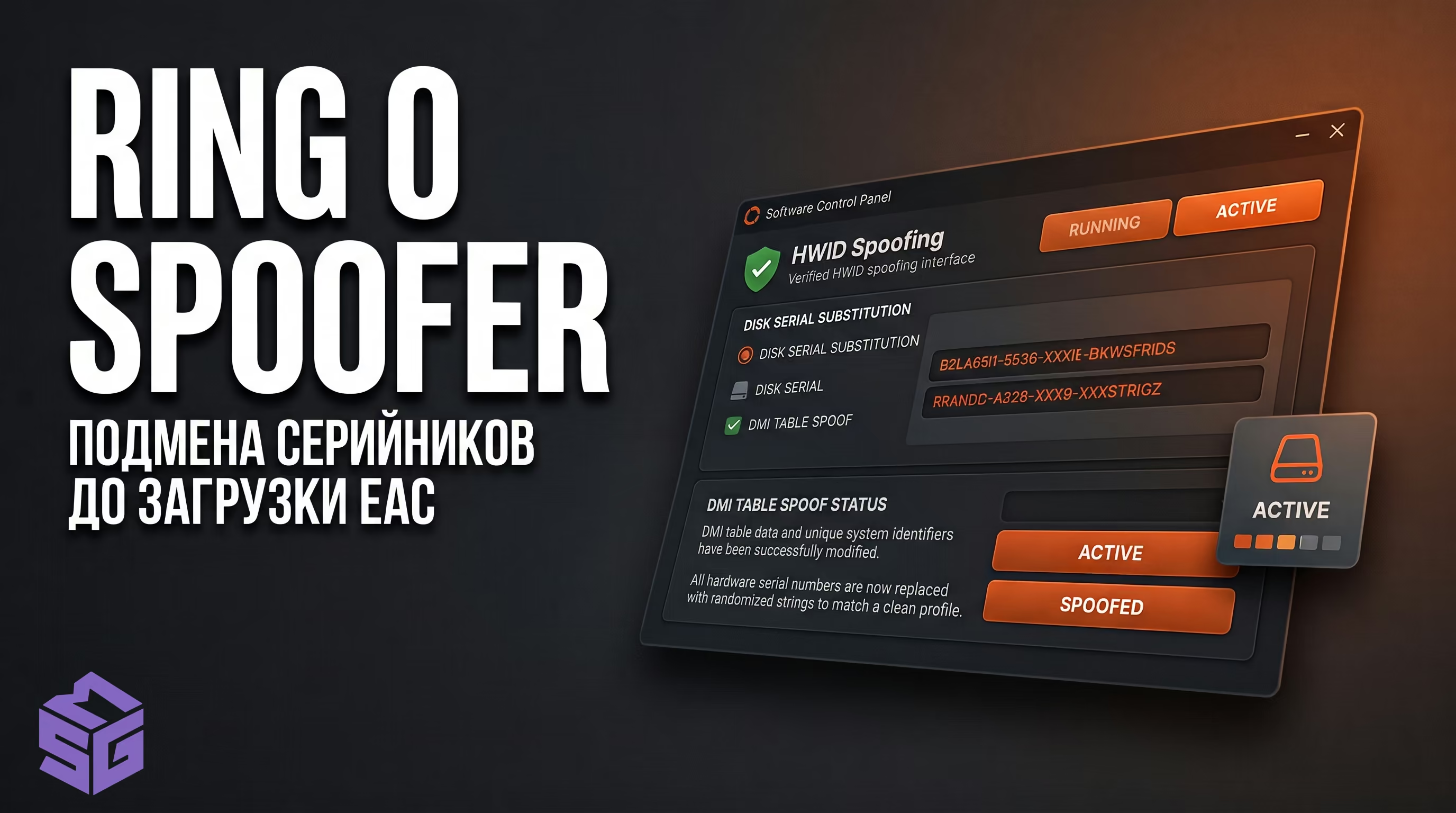
Для безопасного возвращения на серверы существует только два технически верных пути: физический или программный (на уровне Ring 0).
Для тех, кто не готов менять железо из-за одной игры, применяется низкоуровневый драйвер режима ядра (Ring 0). Наш специализированный загружается до запуска античита. Драйвер перехватывает системные вызовы ядра к дискам (IOCTL) и таблицам DMI, подменяя серийные номера на лету в оперативной памяти.
⚠️ Внимание: Спуфер необходимо запускать строго перед каждым стартом Steam. Если вы зайдете в аккаунт без активной подмены — оригинальное железо будет скомпрометировано.
Даже с новым железом или спуфером вы отлетите, если оставите цифровые следы старого профиля (Steam traces):
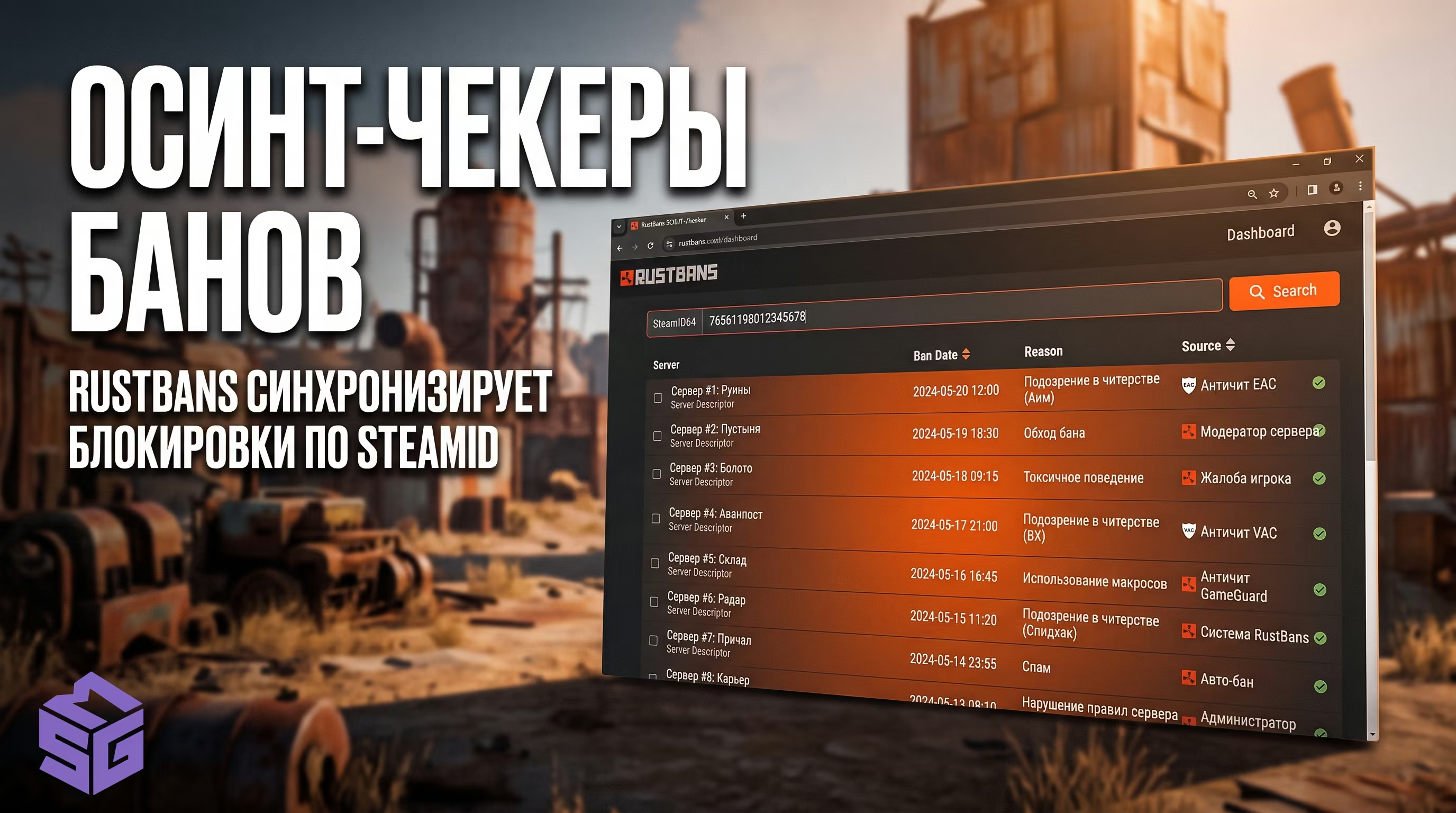
В СНГ и Европе действуют единые базы данных нарушителей. Если модератор банит вас за макросы или подозрительный мувмент, ваш SteamID64 попадает в плагин EnhancedBanSystem.
Далее автоматические OSINT-чекеры (RustBans и RustWho) синхронизируют эту запись. В итоге, получив бан на одном крупном проекте, вы можете обнаружить, что вас не пускают на 50+ других независимых серверов. Единственный выход — идти в Discord проекта, выдавшего блокировку первоначально, и доказывать свою чистоту.
Это глобальная игровая блокировка (Game Ban), выданная античитом Easy Anti-Cheat или напрямую разработчиками Facepunch. Поддержка Steam (Valve) не имеет полномочий снимать или изменять такие баны. Писать им бесполезно — обращайтесь только на портал easy.ac.
Никак. Встроенная защита блокирует USB-идентификаторы периферии с макросной памятью. Если вы будете искать в сети как сделать в Rust на мышке X7 обход блокировки через виртуальные драйверы, это гарантированно приведет к глобальному Game Ban. Мышь придется заменить на легитимную (Logitech, Razer, Zowie).
Согласно регламенту Facepunch (Zero Tolerance Policy), ответственность за защиту учетной записи несет исключительно её владелец. Факт взлома или передачи аккаунта третьим лицам не является юридическим основанием для отмены наказания. Бан останется перманентным.
В Rust не используется Valve Anti-Cheat (VAC). Если в вашем профиле Steam появилась красная табличка после игры в Раст, это Game Ban (Игровая блокировка). Статус VAC выдается только в играх от самой Valve (CS2, TF2).
Бан в игре Раст — это не приговор вашему сетапу, если понимать реальные алгоритмы работы ядра EasyAntiCheat.sys. Попытки обойти HWID-бан поверхностными методами вроде чистки CCleaner или смены IP-адреса неизбежно приводят к повторной потере купленных аккаунтов и инвентаря.
Пока другие читеры вслепую форматируют диски и теряют прогресс из-за паблик-софта, вы можете вернуться на серверы с полной защитой от последствий. Для стабильного геймплея используйте проверенные решения из нашего с низкоуровневой маскировкой памяти и регулярными обновлениями под актуальные патчи игры.
Официальные блокировки Facepunch и EAC являются бессрочными — разработчики не проводят автоматических амнистий глобальных банов. Однако среди крупных сетей серверов (Rustafied, Rustoria и других независимых проектов) действуют собственные правила допуска игроков с историей нарушений на других учетных записях.
Условия серверных сетей для допуска игроков:
Аппаратный HWID-бан выдается навсегда. Ваш ПК заносится в блэклист серверов EAC. Единственный способ продолжить играть на этом компьютере — использовать Kernel Ring 0 Spoofer для подмены DMI таблиц или физически заменить материнскую плату и все подключенные накопители.
Если бан выдан модератором (Server Ban), смена аккаунта и IP-адреса может помочь, если сервер не использует продвинутые плагины для отслеживания альт-аккаунтов. Однако проще зайти в Discord проекта и подать апелляцию. На официальную лицензию игры такие баны не влияют.