Section: Rust
 9897
9897
Running into a connection error when joining a server points to one of three scenarios: a global Easy Anti-Cheat ban (Steam Game Ban), a hardware ID (HWID) ban, or a local blacklist imposed by server admins. Rust does not use Valve Anti-Cheat (VAC), so opening a Steam Support ticket will not help. Based on extensive testing by the team at the SMGCHEATS private software store, lifting a global ban requires an official appeal proving a false positive, while protecting a fresh account from instant chain-bans requires complete hardware identifier isolation.

When you see red disconnect text, identifying the scope of the restriction right away is critical. The diagnostic breakdown below helps pinpoint the exact ban type affecting your setup and your available options.
| Client Message / Status | Display Location | Ban Scope | Reversal Potential | Action Plan |
|---|---|---|---|---|
| EAC: Game Banned / Banned | F1 Console / Steam Profile | All secure servers | False positives only (1–3%) | Submit an appeal via easy.ac |
| Server Banned / You are banned | Server loading screen | Specific server / network only | Subject to admin discretion | Contact server staff via Discord |
| EAC: Disconnected / Timed Out | Main game menu | Client network error | Not a ban | Verify game files / check network |
| Chain Ban on fresh account | Steam Profile (after 15–60 min) | Hardware ban (HWID) | Not appealable via developers | Use a or replace SSD/motherboard |
Many players mistakenly search for how to fix a "Rust VAC ban," but this is a fundamental misconception. Facepunch protects Rust using Epic Games' Easy Anti-Cheat (EAC) alongside Cerberus, their proprietary server-side heuristic engine. Understanding where authority lies is critical.
Easy Anti-Cheat operates at the Windows kernel level (Ring 0). Once it detects a known cheat signature, memory tampering, or unauthorized code injection, it relays a detection flag to Facepunch servers. Facepunch then applies a formal Game Ban to your profile through the Steamworks API.
This status permanently restricts your account with a Steam inventory trade lock, freezing your Rust skins indefinitely. Reaching out to Steam Support will not help; Valve staff will send an automated template reply because they lack the authority to modify developer-issued game bans.
If the F1 console or loading screen displays "Server Banned," you are dealing with a local restriction. A moderator or admin on a community or modded server (such as Rustafied or Moose) has banned you, writing your SteamID to the server's local bans.cfg configuration file. This does not revoke your game license or trigger an EAC flag—you remain entirely free to play on other independent servers.

Overturning a global EAC ban is possible only if you conclusively prove a false positive. While reversal rates remain exceptionally low in 2026, legitimate reversals do occur following driver conflicts with graphics tablets, open-source RGB lighting suites (like OpenRGB), or obscure software overlays.
Technical Ban Appeal Template:
Subject: Rust False Positive EAC Ban Appeal - SteamID64: [YOUR_STEAMID64]Hello Easy Anti-Cheat Technical Support Team,
My Steam account (SteamID64: [INSERT_STEAMID64], Profile URL: [PROFILE_URL]) recently received an EAC Game Ban in Rust.
I respectfully request a manual review of this detection. I have never utilized any third-party software, memory injectors, recoil scripts, or automated tools to gain an unfair advantage.System Environment Details during the session:
- OS Build: Windows 11 Pro (23H2 / x64)
- Antivirus / Security: Windows Defender
- Background Utilities: Discord Overlay, NVIDIA GeForce Experience, OpenRGB
- EAC Error Token / Reference ID: [INSERT_REFERENCE_ID]
I am ready to provide complete process dump logs and system diagnostics upon request. Thank you for your objective investigation.
Facepunch support records show that roughly 99% of appeals claiming "my account was hacked" or "my younger brother was playing" are automatically dismissed. The studio enforces a strict Zero-Tolerance policy: account security rests entirely with the owner. If unauthorized access involved cheat software, the ban remains permanent.
Beyond obvious private or free cheat usage and DLL injection, several lesser-known detection vectors consistently lead to lost accounts.
Mice equipped with onboard memory chips capable of storing hardware recoil macros (such as Bloody Core 3/4 and older A4Tech devices) are blacklisted at the hardware level by EAC. The game will refuse to launch, throwing an "EAC: Blacklisted device" error. Attempting to bypass this restriction using virtual drivers or USB emulation layers triggers an instant EAC Game Ban for tampering.
Facepunch's Cerberus anti-cheat monitors F7 report spikes and cross-analyzes team social graphs. If a player in your clan or team runs cheats while you raid bases, loot monuments, and share resources together, you will receive an Association Ban. Facepunch routinely bans entire squads without appeal for "benefiting from and assisting cheaters."
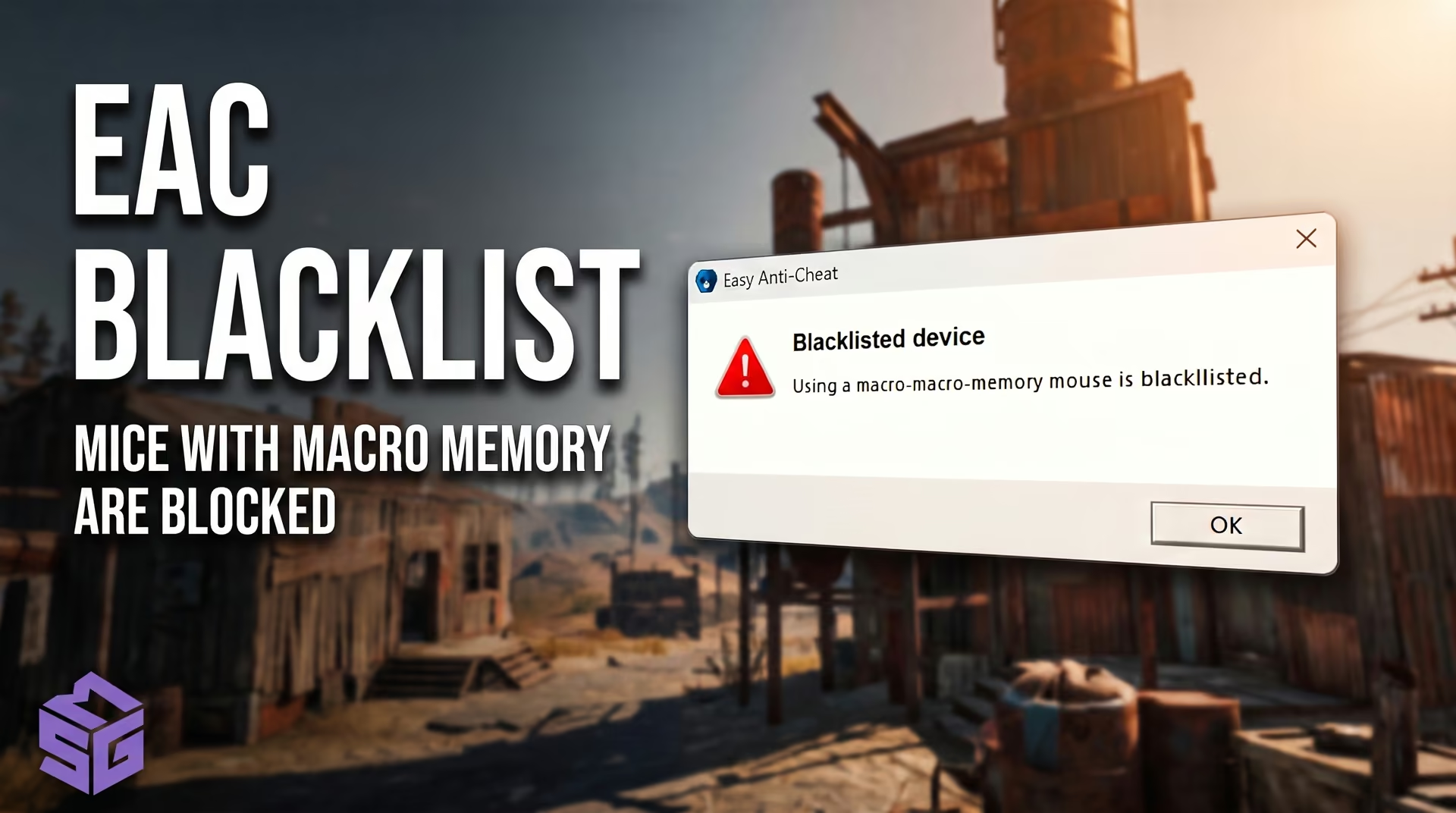
A frequent question across gaming communities is whether Rust issues hardware bans. The answer is yes, and it represents the single biggest hurdle when returning to the game. Once your account receives an EAC Game Ban for third-party software, the EasyAntiCheat.sys kernel driver blacklists your machine's unique hardware signature.
EAC creates a comprehensive hardware fingerprint by querying hardware controllers directly at the kernel level. Here is how modern EAC telemetry maps your system in 2026:
+-------------------------------------------------------------------------+
|                  EAC HARDWARE FINGERPRINTING ARCHITECTURE               |
+-------------------------------------------------------------------------+
|  [Kernel Driver: EasyAntiCheat.sys]                                     |
|    ├── 1. Storage: IOCTL_STORAGE_QUERY_PROPERTY (NVMe/SSD Serial Numbers)|
|    ├── 2. SMBIOS / DMI Tables: Type 1 (UUID), Type 2 (Board Serial)     |
|    ├── 3. Network Interface Card: Physical Chip MAC Address             |
|    ├── 4. Display Adapter & EDID: Monitor Serial Number & GPU UUID      |
|    └── 5. Windows Identity: MachineGuid, Cryptography MachineId         |
+-------------------------------------------------------------------------+Any new Steam account launched on that flagged machine triggers an automated chain ban after roughly 15 to 60 minutes of gameplay once the anti-cheat cross-references matching hardware descriptors.
Architectural Note: GPU UUIDs and monitor EDID serials are tracked purely as secondary telemetry. The primary EAC blacklist in Rust anchors strictly to the combination of storage drives (Storage), the motherboard (SMBIOS), and the network interface card (NIC). A match limited strictly to your monitor or graphics card will not trigger an isolated ban, meaning you do not need to replace your display or GPU.
The internet remains flooded with outdated bypass guides that inevitably cause players to waste fresh game copies and burn clean accounts.
| Outdated Method | What It Actually Does | Visible to EAC? | Outcome for Fresh Account |
|---|---|---|---|
| Reinstalling Windows | Recreates OS partition and software MachineGuid | Yes (Hardware motherboard and drive serials stay identical) | Delayed chain ban |
| TMAC v6 Utility | Spoofs MAC address in OS NDIS network stack | Yes (EAC queries physical chip MAC directly) | Ban upon joining server |
| HardDiskSerialNumberChanger | Changes 32-bit Volume ID (FAT/NTFS) | Yes (EAC queries factory disk controller ROM) | Ban within 15–60 minutes |
| Changing IP via VPN / Router | Changes only external public IP address | Yes (HWID ties to physical chip descriptors, not IP) | Account ban |
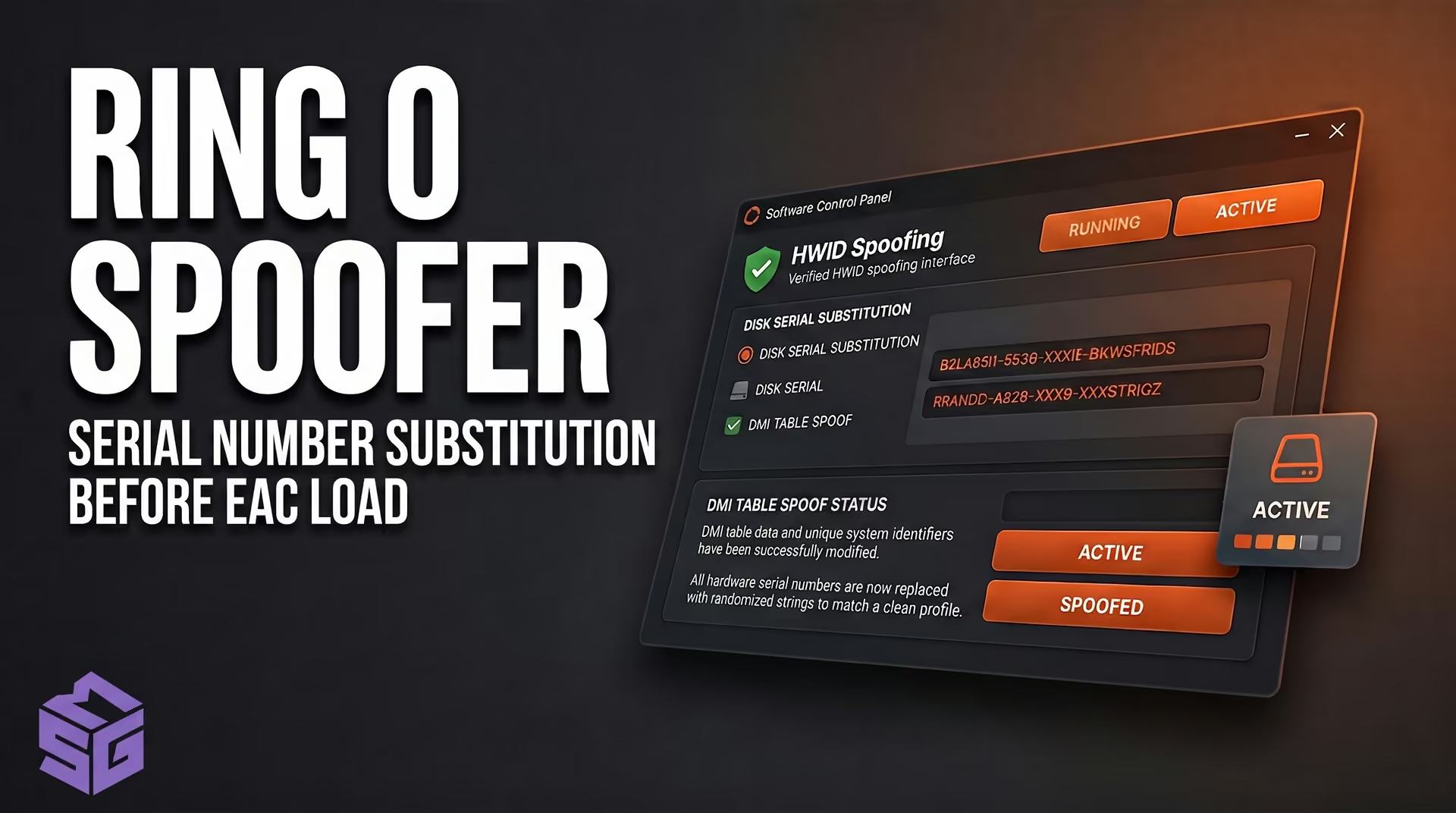
Safely returning to protected Rust servers leaves you with only two technically sound solutions: a physical hardware overhaul or low-level kernel spoofing (Ring 0).
If swapping expensive hardware over a single game is out of the question, a low-level Ring 0 driver offers a software-based solution. Our dedicated initializes before the anti-cheat driver loads. It hooks kernel-level IOCTL disk queries and DMI tables, virtualizing hardware serial numbers on the fly in system memory.
⚠️ Warning: You must run the spoofer before launching Steam every single session. Logging into your account without active virtualization exposes your genuine hardware and triggers an instant blacklist flag.
Even with new hardware or an active spoofer, lingering Steam traces from a banned profile will result in an immediate detection:
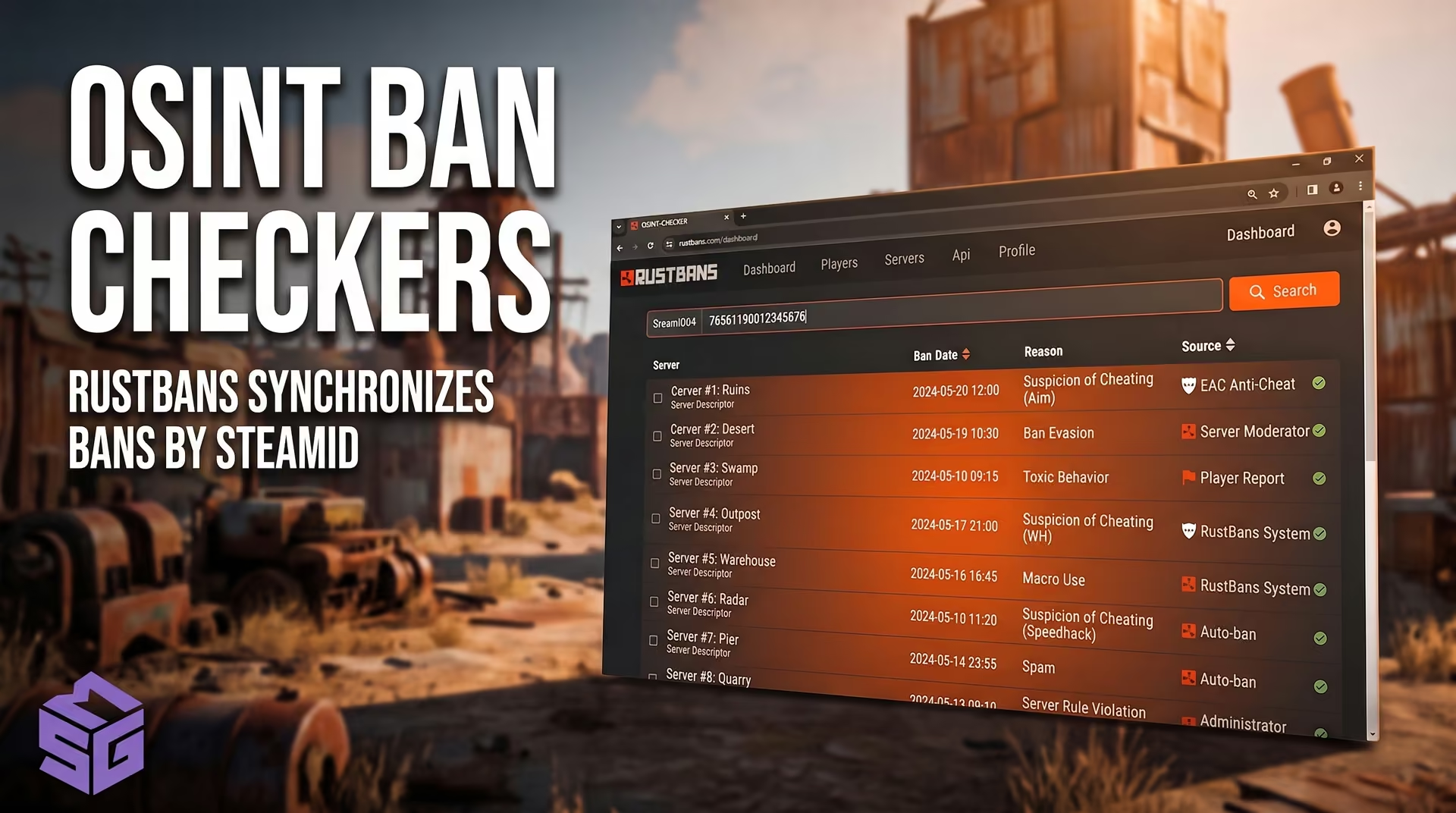
Community and modded server networks across North America and Europe rely on centralized infraction databases. When an admin bans you for suspected scripts or unnatural movement, your SteamID64 gets logged via the EnhancedBanSystem plugin.
Automated OSINT tracking platforms, such as RustBans and RustWho, continuously synchronize these records. Consequently, getting banned on one popular network can result in being blacklisted across dozens of independent servers. Your only recourse is joining the Discord server of the community that issued the initial ban and appealing directly to their staff.
An EAC ban is a global Game Ban issued by Easy Anti-Cheat or directly by Facepunch Studios. Steam Support (Valve) has no authority to review, modify, or lift developer-issued bans. Contacting Steam is useless—appeals must be submitted directly through the official easy.ac portal.
You cannot bypass it. Rust's integrated anti-cheat blocks the hardware vendor IDs of mice equipped with onboard macro memory. Attempting to circumvent this check with virtual USB drivers or emulation wrappers triggers an immediate global EAC Game Ban. The only solution is switching to an approved gaming mouse from brands like Logitech, Razer, or Zowie.
Under Facepunch's strict Zero-Tolerance policy, players are solely responsible for securing their accounts. Claiming your account was compromised or accessed by a third party is not considered valid grounds for an appeal. The ban will remain permanent.
Rust does not utilize Valve Anti-Cheat (VAC). If a red ban notification appears on your Steam profile after playing Rust, it is designated as a Game Ban. VAC bans apply exclusively to Valve-developed titles such as Counter-Strike 2 or Team Fortress 2.
A Rust ban does not have to permanently decommission your gaming rig if you understand how the EasyAntiCheat.sys kernel driver actually enforces restrictions. Superficial workarounds like CCleaner or basic IP resets inevitably waste fresh game copies and burn valuable inventory.
While other players blindly format drives and lose progress to detected public builds, you can get back on secure servers with bulletproof isolation. For uninterrupted gameplay, explore our vetted lineup in the , featuring low-level memory cloaking and immediate compatibility updates for every game patch.
Official Facepunch and EAC bans are permanent—developers do not issue automated ban amnesties. However, major community server networks (including Rustafied, Rustoria, and other independent hosts) enforce their own guidelines regarding players who have past violations on alternate accounts.
Standard Server Network Admission Requirements:
Rust HWID bans are permanent. Your machine's hardware identifiers remain blacklisted on EAC servers indefinitely. The only ways to play Rust on that PC again are running a kernel Ring 0 spoofer to virtualize DMI and disk serials or physically replacing your motherboard and all connected storage drives.
If a community admin issued a local Server Ban, using a fresh account and cycling your IP might grant access if the host lacks advanced alt-tracking plugins. However, the standard method is opening an appeal ticket in the server's official Discord. Server bans do not affect your overall Rust game license or EAC standing.