 15
15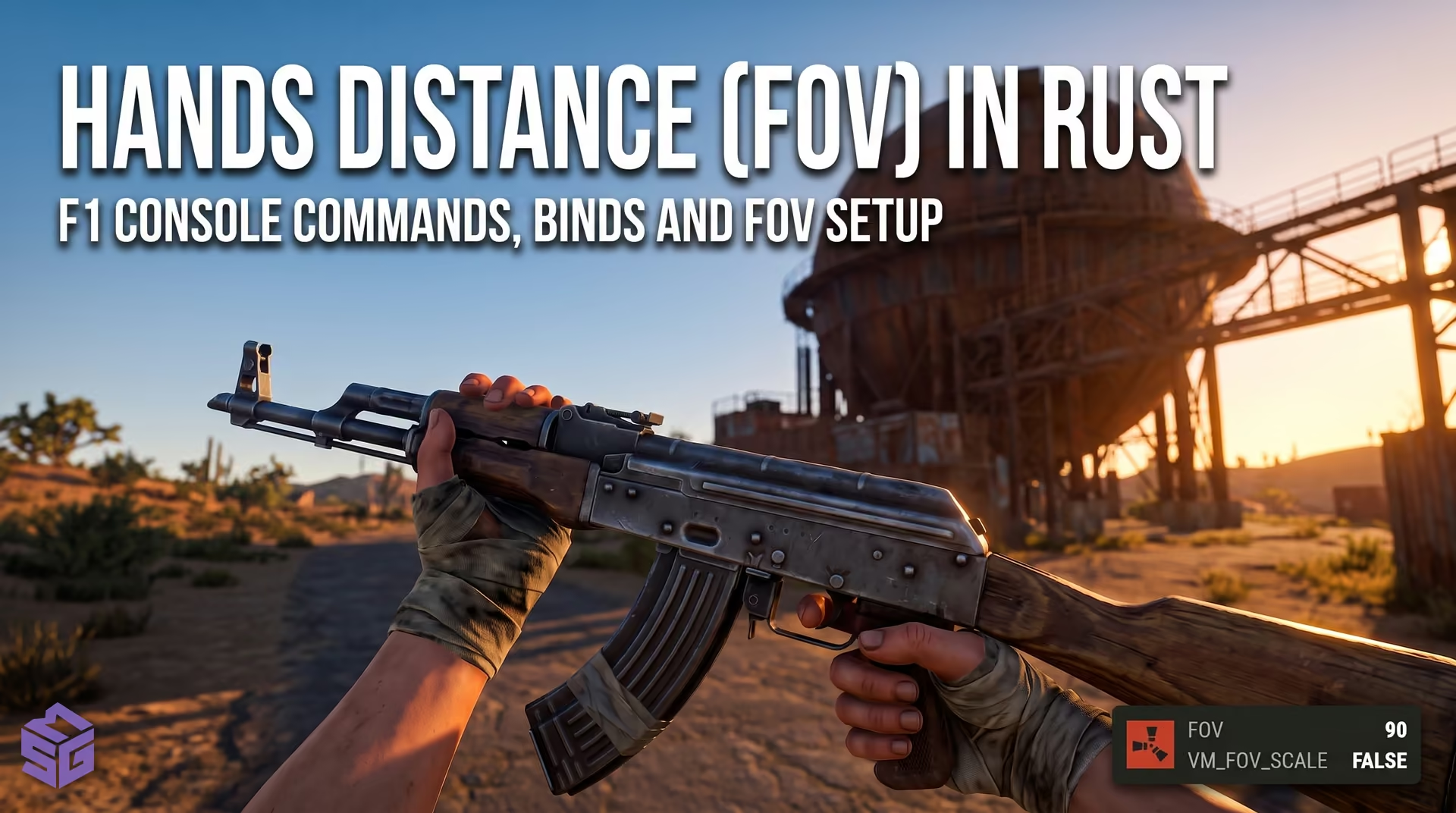
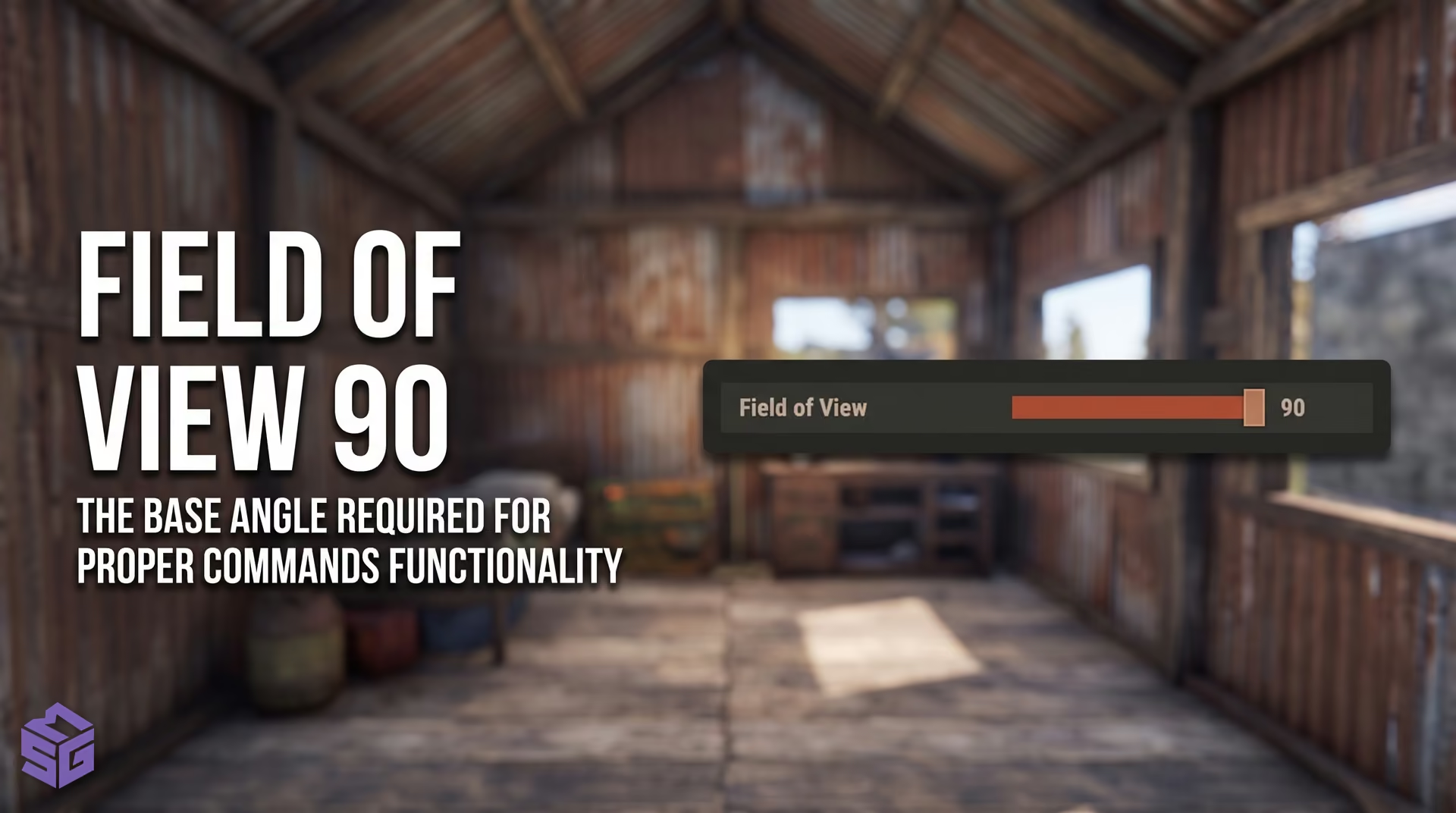
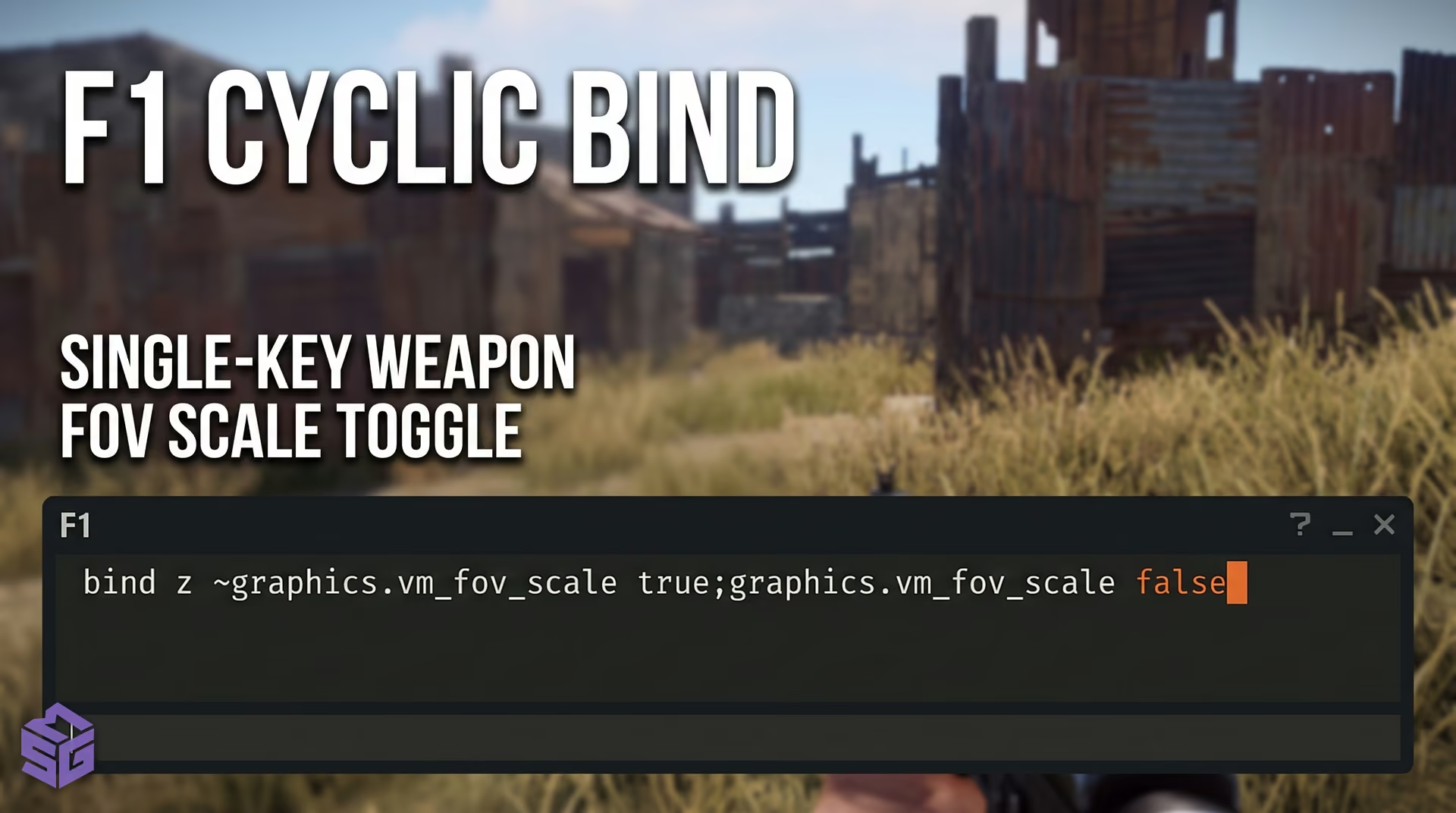
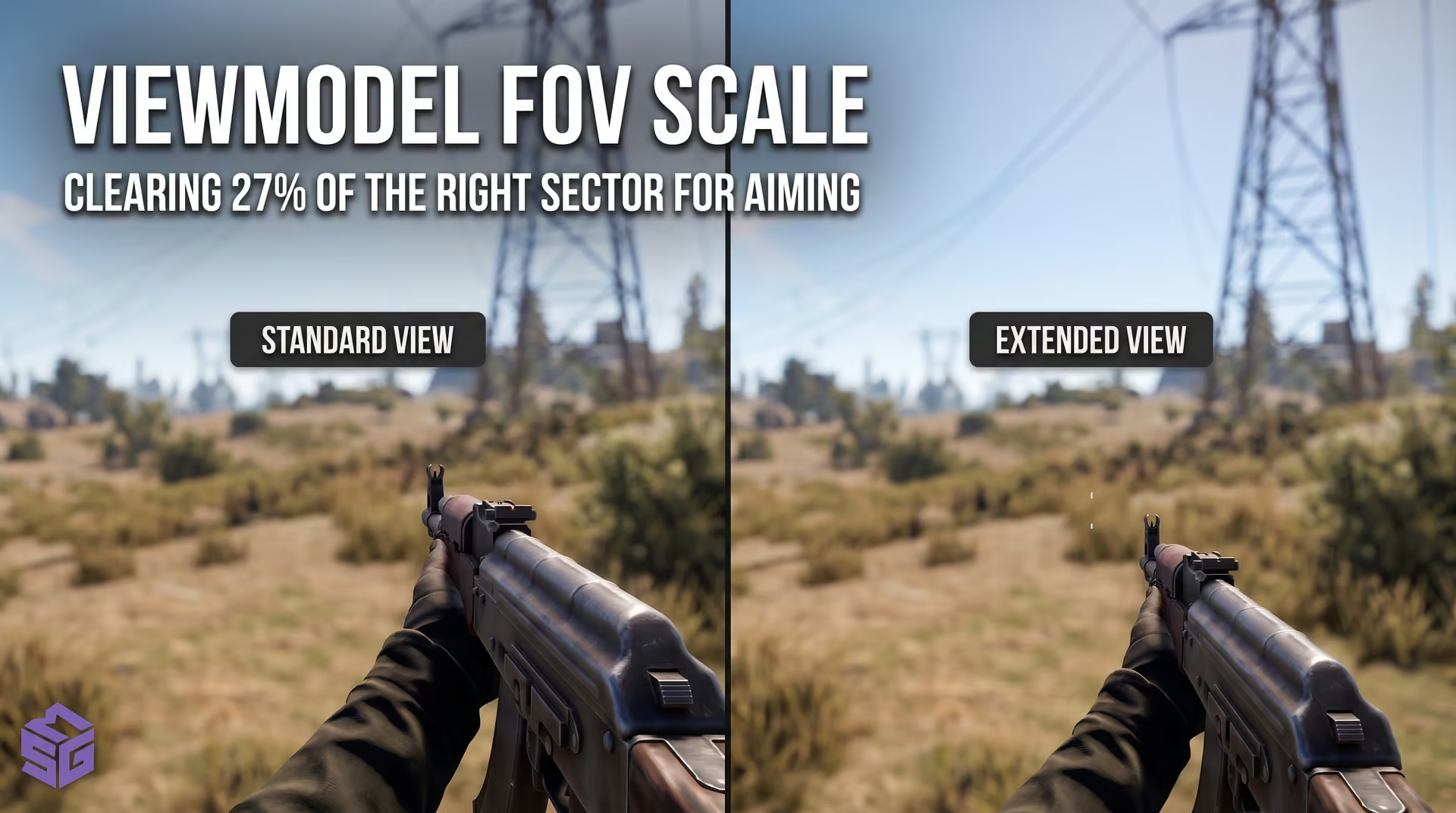
Every Rust player knows the feeling: you equip an AK, M249, or rocket launcher, and the bulky weapon model immediately blocks a quarter of your screen on the right. In a heated gunfight, that massive blind spot can easily hide a flanking enemy. In our testing of the client settings, we found a simple fix. If you want to pull your viewmodel back in Rust, press F1, enter graphics.vm_fov_scale false, and hit Enter. The crucial factor: your in-game Field of View must be set to 90, or you will barely see any difference. To revert to the default view at any time, run graphics.vm_fov_scale true. This guide covers verified methods to adjust your FOV, push your weapon model forward, and maximize screen visibility in Rust without hassle or ban risks.
- Quick Summary: Settings and Field of View
- Tactical Presets for Combat Scenarios
- Step-by-Step: F1 Console Viewmodel Commands
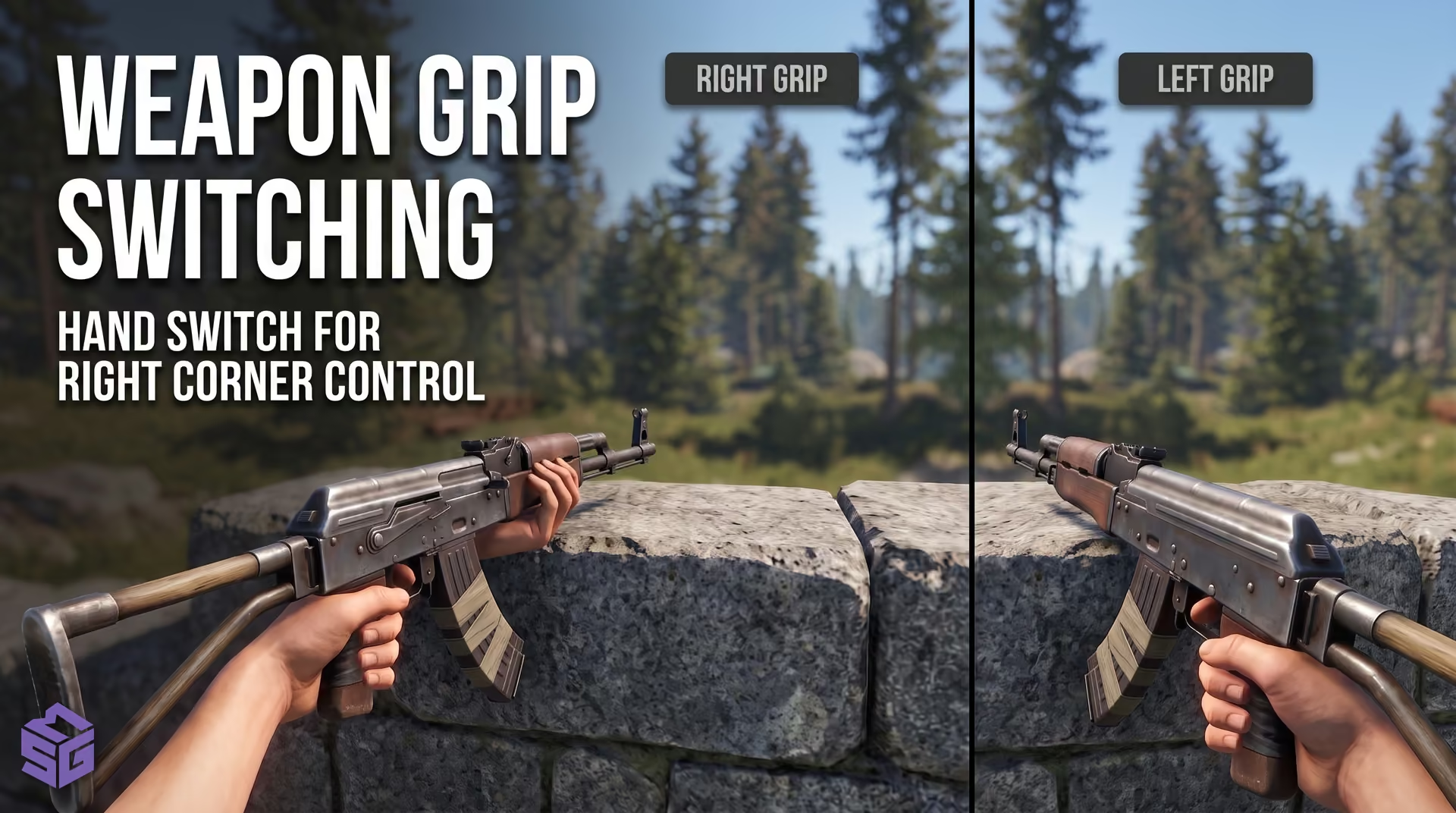
- Switching Sides: Left-Hand Weapon Grip
- Keybind Setup Without Micro-Stutters
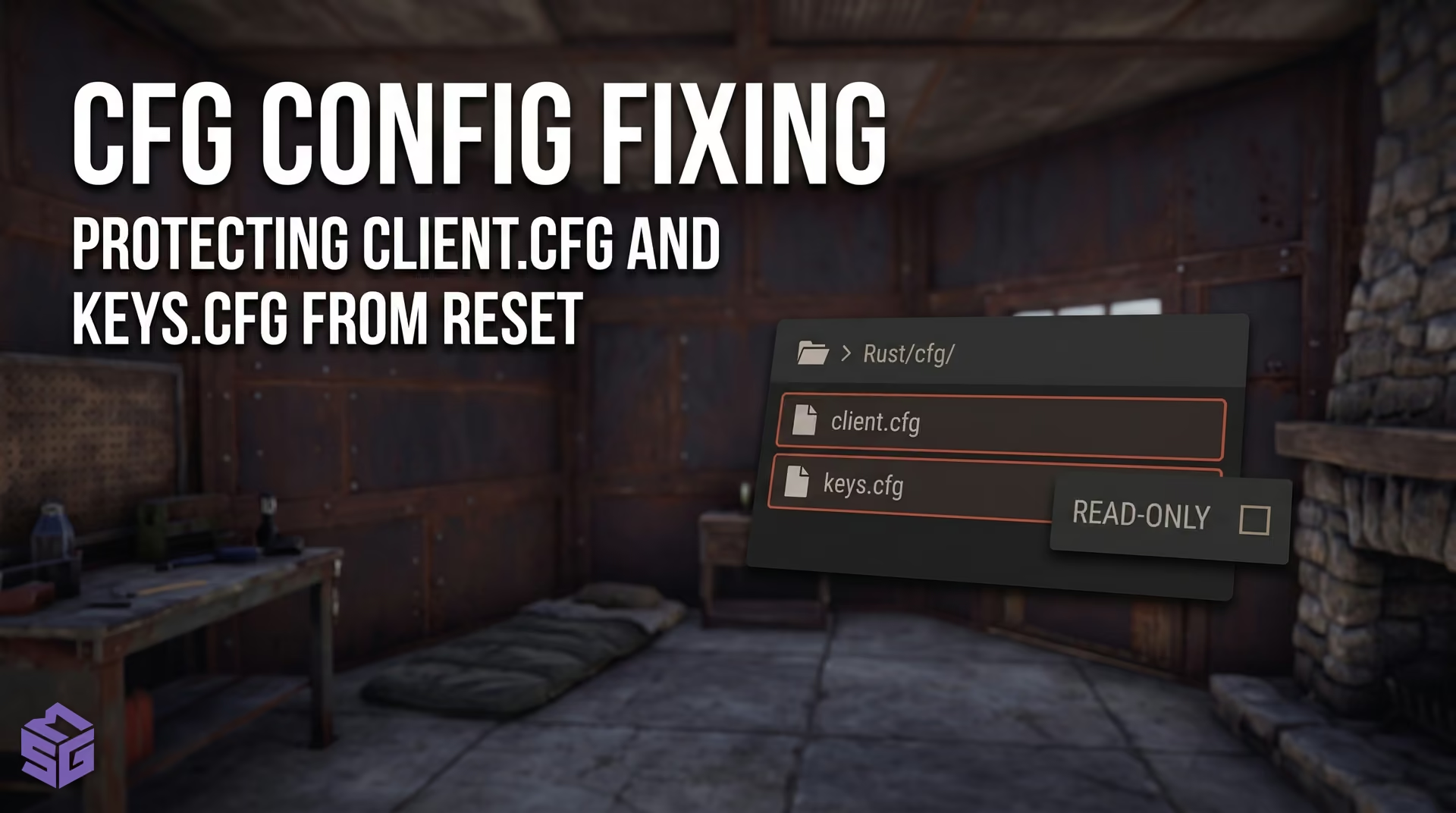
- Saving Your Config Permanently
- Matrix: Working vs. Fake Commands
- Troubleshooting Guide
- Anti-Cheat, Gunplay Physics, and Consoles
- Frequently Asked Questions
Quick Summary: Viewmodel FOV and Weapon Positioning in Rust#
Pushing your weapon model further away requires two adjustments: maxing out your field of view in the graphics menu and entering a single console command. If you leave your FOV at the default 70, the viewmodel will not budge—the camera frustum simply lacks the angle to scale it. The core command to pull your viewmodel back in Rust is graphics.vm_fov_scale false. Proper viewmodel positioning frees up nearly a third of your screen space, costs zero FPS, and leaves recoil patterns untouched.
- Primary viewmodel command: Running graphics.vm_fov_scale false instantly pushes the weapon model forward.