

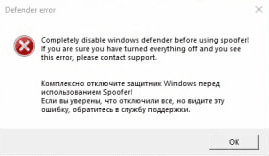
Эта ошибка возникает, если Windows Defender не отключён через Defender Control. В тексте самой ошибки указано, что нужно сделать.
Defender Control можно скачать в разделе «Быстрый старт».
Решение#
-
Скачайте Defender Control.
-
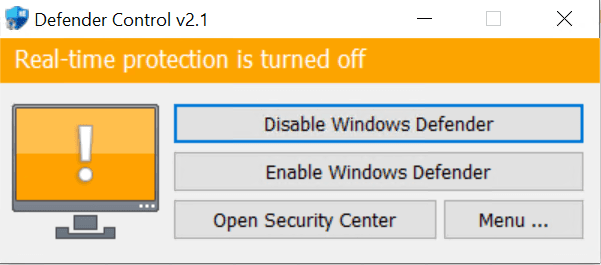
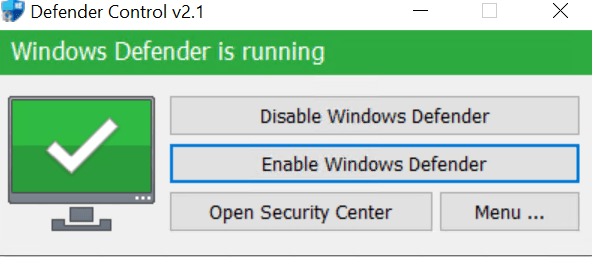
Разархивируйте архив и запустите программу от имени администратора. Сначала индикатор будет жёлтым.
-
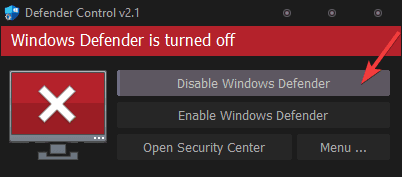
Нажмите кнопку «Disable Windows Defender».
-
Откройте cmd от имени администратора и введите команду:
sc query wdfilterСтатус службы должен быть STOPPED.
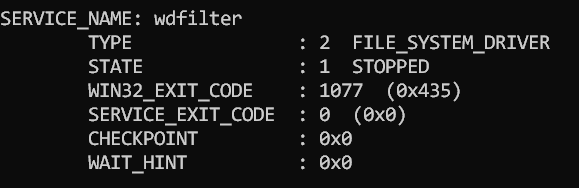
-
Перезапустите Defender Control от имени администратора.
Если вы всё сделали правильно, должно получиться следующее.